ASUS Laptop Repair Near Me: ROG Thermals and ZenBook Hinges
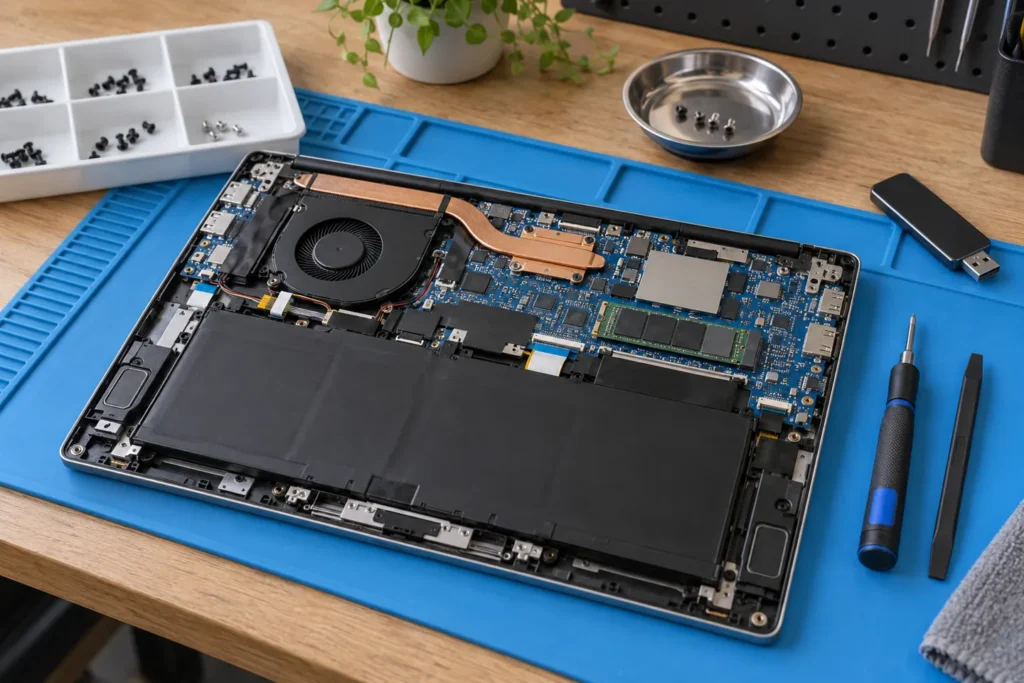
Have the full ASUS model code ready before asking for a repair quote. A ZenBook, VivoBook and ROG laptop can use different display, hinge and cooling assemblies, even when their screen size matches. Describe the fault and ask what inspection is needed before parts are ordered.
Shortlist workshops via the location hub, then use this ASUS checklist. General laptop advice: laptop repair near me.
Grab the ASUS model number before you call
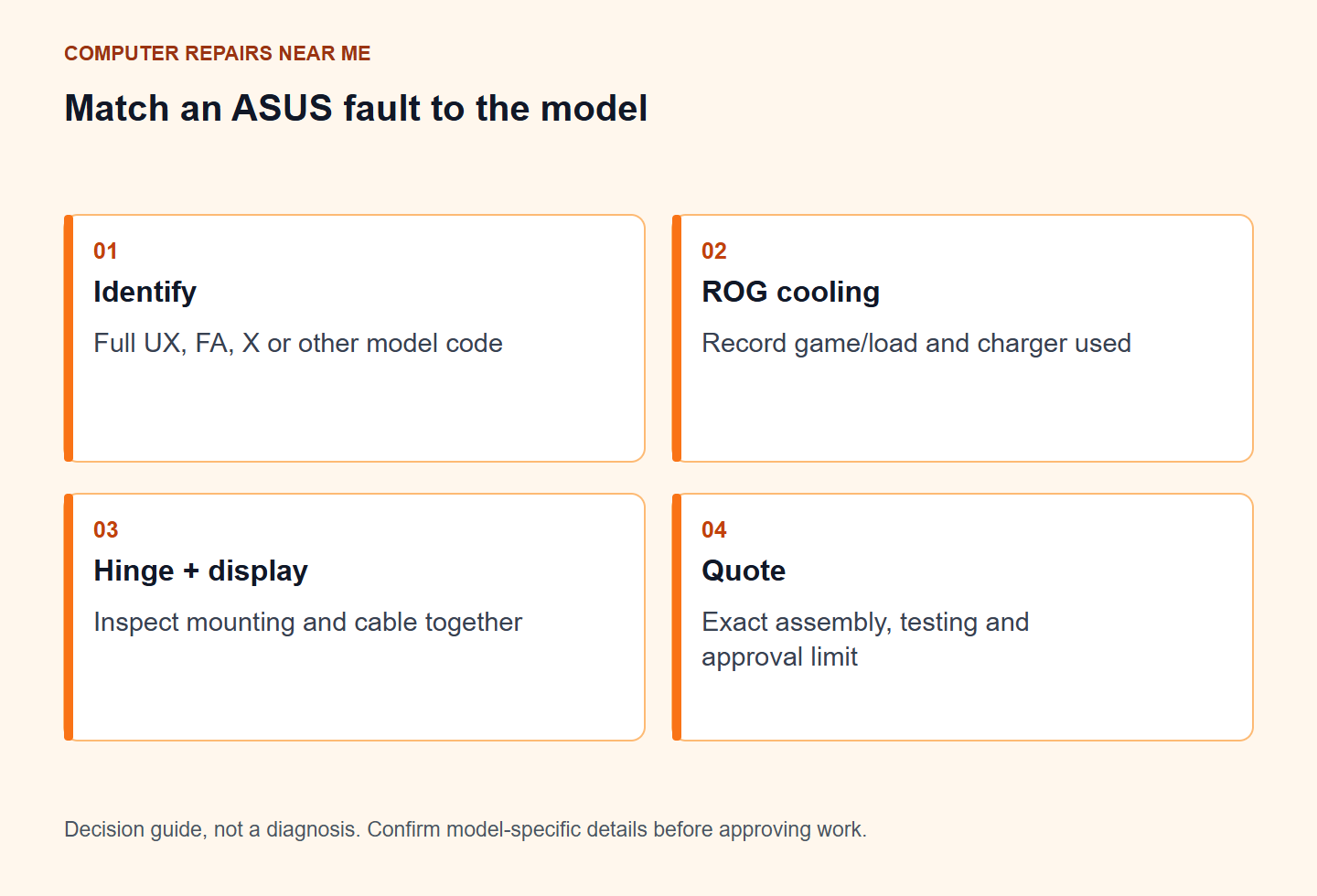
Check the sticker on the base or open System Information in Windows. Serial number helps for warranty lookup on ASUS support. Gaming ROG models need the exact panel and hinge kit; a near-miss high-refresh panel won’t behave the same and may not fit the lid assembly.
Photograph the model label and describe any hinge or casing damage. Send the model code with the fault description so the provider can check compatibility and availability.
Warranty vs independent ASUS work
Check ASUS or seller coverage for the exact laptop and fault before paying privately. Standard warranty and accidental-damage plans have different terms; read the entitlement rather than relying on the model family.
So if warranty is live and the fault looks covered, use authorised service first. If you’re paying privately, ask whether third-party work would affect any remaining cover, then compare indie quotes on parts grade, labour warranty and typical turnaround for your model code.
ROG thermals: diagnose before approving cooling work
ROG performance problems under load can involve cooling, power delivery, drivers or other hardware. Ask what inspection and testing found before approving a repaste or motherboard. Cooling materials and methods vary by exact design; a normal chip-temperature reading is different from the case surface temperature.
Mention any drop or liquid exposure before the performance problem began. Ask what testing supports a cooling repair or board replacement, and compare the complete quote with replacing the laptop. The overheating guide explains what to record before assessment.
ZenBook and VivoBook hinge and screen quirks
If the lid wobbles or the casing is separating near a hinge, tell the repairer before a screen replacement is quoted. Ask them to inspect the hinge mounts, lid and display cable together so the quote addresses the damage found.
Display cost depends on the exact assembly, resolution, refresh rate, touch support and part condition. Ask for the fitted total, GST and assessment terms after model identification. Do not use a general VivoBook price to judge a ROG or ZenBook assembly.
Other symptoms to mention
- A swollen battery or bulging case
- A loose or damaged charging port
- Keyboard replacements after spills
- Storage errors or missing files
- Fan noise or reduced performance under load
Stop using and charging the laptop if the base is bulging; obtain safe handling advice. Battery quote and handling checks: laptop battery replacement cost Australia. Stop forcing a loose or damaged connection. Ask whether the quote is parts-plus-labour with GST included.
Booking questions that save a wasted trip
- Have you repaired this ASUS series before?
- Are parts OEM, compatible or refurbished?
- Typical lead time if the panel isn’t stocked?
- Warranty on parts and labour?
- For ROG: will you load-test after thermal service?
- For ZenBook: will you inspect hinges before fitting glass?
Call two listings from /locations/ with the same model code. Clear process beats the cheapest headline number. Handover habits: before you hand over your laptop.
Frequently Asked Questions
How much does ASUS laptop screen repair cost?
Request a model-specific fitted quote. Identify the display specification, part condition, assessment fee, labour and GST. A generic screen-size price does not establish compatibility.
Can any shop fix an ASUS ROG laptop?
Ask whether the provider supports your exact ROG model and has the equipment needed for the fault. Display replacement and diagnosis of crashes under load are different jobs.
Is ASUS laptop repair worth it on an old VivoBook?
An SSD upgrade plus a modest screen fix can extend a usable machine. Compare totals with replacement when multiple parts fail together.
Does independent repair void ASUS warranty?
Invasive unauthorised work can affect related claims while cover is active. Check ASUS first if warranty might still apply.
Where do I find asus laptop repair near me?
Browse repairers by suburb and read the model number from the base sticker before calling.
By Computer Repairs Near Me Team. Reviewed 2 November 2026. About · Find repairers
Use the manufacturer’s model and service information to check your exact product and coverage. For Australian consumer guarantees alongside warranty terms, read ACCC guidance.
Find a repairer for this job
Check local repairers and ask whether they handle your device and fault.