
Is It Worth Repairing My Computer? Repair vs Replace (2026)
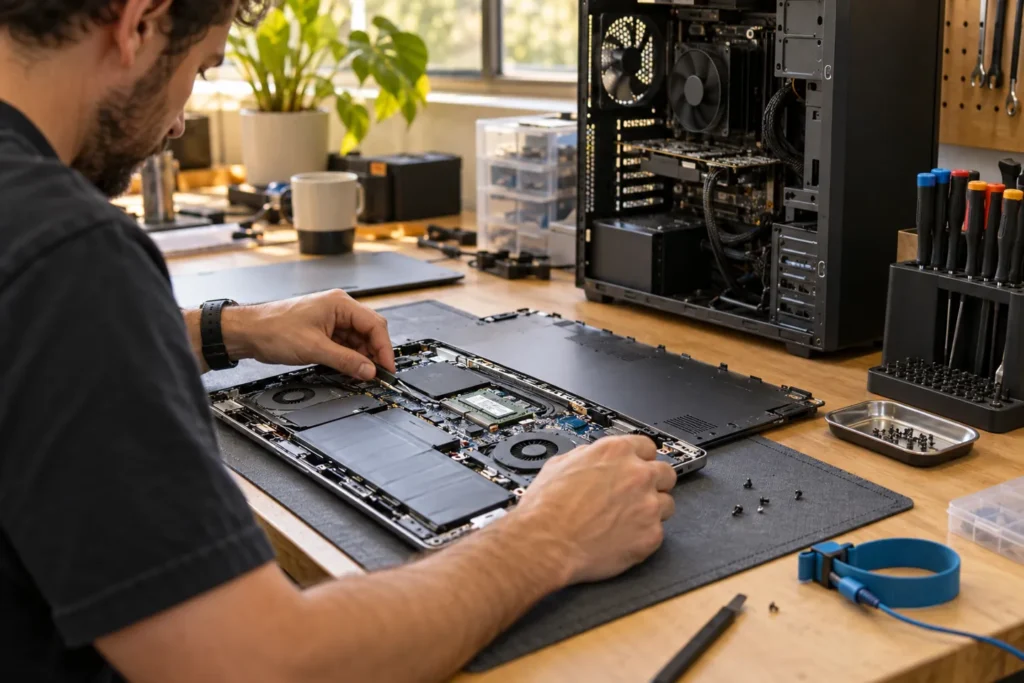
Is it worth repairing my computer? Usually yes when the fix costs well under half of a suitable replacement and the device still meets your needs. Replace when quotes near new-machine price, the platform is obsolete, or a board fails on an old laptop with soldered storage.
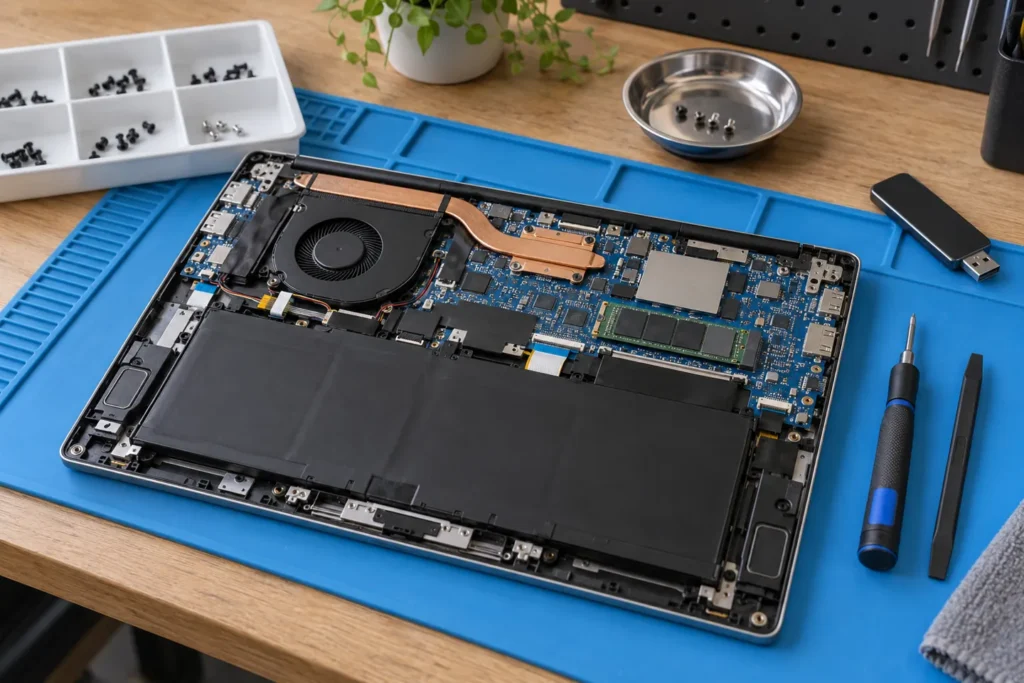
Get a written quote from a local repairer, then use the rules below. Deeper laptop framework: laptop repair vs replace decision guide. Cost bands: computer repair cost Australia.
The 50 percent rule (starting point)
Compare the repair quote with a replacement that does what you need today, not the price you paid years ago. If repair exceeds about half of that replacement cost, pause unless:
- The data isn’t backed up and recovery is part of the quote
- It’s a high-spec machine (creative, gaming, business) where equivalent new gear is expensive
- The fix is a cheap upgrade (SSD, RAM, battery) that adds years of use
The rule is a guide, not law. A $200 SSD upgrade on a five-year-old laptop can be smarter than a $900 new device. But a $700 board repair on a seven-year-old office notebook usually isn’t. So run the numbers with today’s replacement price in the same performance band.
Factor in age and support
- Under 4 years: repair commonly makes sense for screens, batteries, storage and software.
- 4 to 7 years: weigh repair against battery + storage + OS support end dates.
- Over 7 years: major board or display work rarely pays off unless data recovery is the goal.
Windows 10 end-of-support pressure and ageing BIOS support can tip a borderline machine toward replace even when the hardware “still works”. If your apps need a platform the old CPU can’t run well, fixing the hinge won’t fix the workflow. Ask the shop what OS and driver support looks like after the repair, not only whether the part fits.
Business laptops with docking stations and certified apps can justify repair longer than a cheap home netbook. The age bands are a starting point. Your software list still decides the real cutoff.
Fault type changes the maths
| Fault | Often worth repairing? | Notes |
|---|---|---|
| SSD / RAM / battery | Yes | High impact, predictable parts |
| Screen (common model) | Often | Check panel price before approving |
| Charging port | Often | Labour varies by design |
| Liquid damage board | Sometimes | Outcomes uncertain; get a cap in writing |
| Dead logic board, old ultrabook | Rarely | Unless data recovery is the real goal |
If you’re staring at liquid damage, ask what “success” means before they order parts. Corrosion jobs fail late. A no-fix-no-fee promise still needs clear diagnostic fee terms: no fix no fee explained.
Hinge and chassis cracks look cosmetic until they tear display cables. If the frame is twisted, price a replacement early instead of paying for a panel that cracks again on the same bent lid.
Don’t ignore data value
A machine with irreplaceable photos or client files can justify recovery spend that exceeds the chassis value. That’s not sentimental accounting; it’s recognising the asset. If the files are already backed up, decide on hardware economics alone. If they aren’t, stop using a failing drive and read data recovery basics before you approve a wipe-and-reinstall.
List the folders that matter on the job sheet. Shops work faster when they know tax PDFs beat a games library. For privacy questions around clones, see data recovery privacy Australia.
Environmental angle (brief)
Extending life with an SSD or battery is usually the lower-waste path when the quote is sensible. When the board is gone, recycle properly rather than dumping the laptop in kerbside rubbish. More detail: e-waste and computer repair Australia. Councils and NTCRS collection points beat landfill every time, and wiping the drive first is still your job.
Official consumer guidance on service problems sits with the ACCC if a paid repair goes wrong after you choose to fix rather than replace.
Frequently Asked Questions
Should I repair a computer that is still under manufacturer warranty?
Check warranty terms first. Third-party repairs can affect remaining cover on some brands. Authorised paths may be slower but keep entitlements clearer.
Is a gaming PC worth repairing more often than an office laptop?
Often yes, because equivalent new GPUs and builds cost more. Still get the faulty part identified before you approve a full rebuild.
What if two shops disagree?
Ask both for written findings. A second opinion is cheaper than a wrong board order.
Where do I get quotes near me?
Use locations and bring the model number plus a clear symptom list.
When you are ready to shortlist a shop, open live profiles such as Managed IT Services East Melbourne, Dr Boom Communications Melbourne CBD, SimSim Repairs Melbourne. Compare suburb hubs for Melbourne computer repairs and East Melbourne computer repairs — each page lists stored phones, hours and ratings where we have them, with no invented prices.
By Computer Repairs Near Me Team. Last updated July 2026. About · Find repairers
Looking for local businesses?
Browse verified listings across Australia with current hours, reviews and contact details.
Related guides


Need a local listing?
Browse verified businesses in our directory or read more guides on the blog.
Find repairers All guides