
Before You Hand Over Your Laptop: Checklist (2026)
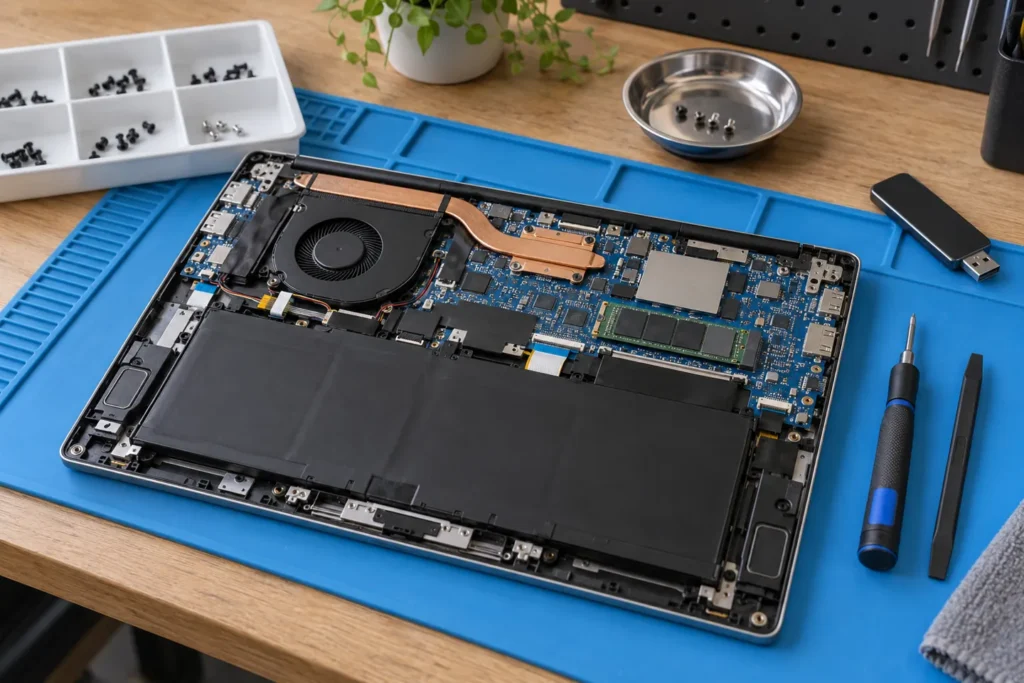
Handing a laptop to a repair shop is normal, but a few minutes of prep reduces data loss, privacy risk and bill shock. Use this before laptop repair checklist before you drop off any Windows, Mac or Chromebook machine in Australia.
Find repairers via our directory. For choosing a shop, read how to choose a computer repair shop. For your rights on quotes and data handling, see Australian Consumer Law and computer repair.
Back up first while you still can
Copy important files to an external drive or cloud account you control. Export browser bookmarks and note licence keys for paid software if a reinstall is possible. When the machine won’t boot, tell the shop which files matter most before they attempt recovery.
- Documents, Desktop and photo libraries first
- Tax folders and school work next
- Recovery keys kept off the laptop itself
Don’t keep forcing copies from a drive that clicks or vanishes. That’s a recovery job, not a DIY marathon. Even a quick Documents and Desktop copy beats nothing. More on failing disks in data recovery basics.
Accounts, passwords and privacy before drop-off
Be ready to enter your Windows, macOS or Linux password, or create a temporary account for testing. Shops often need login access to confirm the repair. Disable Find My Mac or similar device-lock features if the tech asks, and get written confirmation they’ll help re-enable them.
Sign out of banking and email in the browser if you can. Remove sensitive files from the desktop if you only need hardware fixed. Tax records, medical documents and password lists shouldn’t sit in plain folders if you can move them off first.
But don’t leave sticky notes with every password on the laptop lid. Share what’s needed for testing, then change those passwords after pickup if you had any concerns about shop access.
Describe the fault clearly and bring the right gear
Say when the problem started and whether liquid was involved. Note any error messages, beeps or smells. Mention recent drops, updates or new accessories. If the issue is intermittent, ask them to stress-test rather than powering on once and declaring it fixed.
Bring the laptop and charger, and label both with your name. Bring an external mouse or dongles if the fault involves USB ports. Bring a printed fault description if the machine won’t boot and staff can’t read your email on site. Proof of purchase helps for warranty claims on newer machines.
Leave unrelated peripherals at home. Extra boxes just slow intake and raise the chance something gets misplaced.
Get the quote in writing before you leave
Confirm the diagnostic fee and whether it’s waived if you proceed. Ask whether the price is fixed or an estimate, and what triggers extra cost. Clarify parts: new, OEM or refurbished. Ask about warranty on parts and labour, and expected turnaround if parts must be ordered.
Confirm the contact number and ticket reference. Ask how they’ll notify you if the quote changes. Photograph the serial number and cosmetic damage for your records. Those photos settle arguments later about cracks that “weren’t there before.”
If the quote climbs toward half the value of a suitable replacement, pause and read is it worth repairing my computer before you approve expensive board work.
After pickup: test fast and keep the paperwork
Simple jobs such as SSD clones, virus cleanup and many charging-port fixes commonly finish same day or within 48 hours in city shops. Screen replacements depend on parts stock: common MacBook and Windows panels can take one to three days; rare panels can take a week or more. Ask whether your machine stays on site or goes to a central workshop.
When you get it back, test Wi-Fi, sleep/wake, charging and the specific fault within 24 hours. Most Australian shops honour a short labour warranty; note the return window on your receipt. If passwords were used, change them if you had concerns.
Keep the invoice. You’ll need it for warranty, insurance or fair trading conversations. If something feels wrong, compare notes with how to spot a dodgy computer repair shop before you escalate.
Frequently Asked Questions
Should I remove the hard drive before repair?
Usually no. They need to test the machine. Back up instead. For extreme privacy needs, discuss a drive-retention policy upfront.
Can repairers access my photos?
Technically yes if they log in. Use backups, encryption or a limited guest account where you can.
Do I need my charger?
Yes for laptops with charging faults, and it’s still useful for other jobs. Label it with your name.
Will they call before exceeding the quote?
Ask for that promise in writing on the ticket. Don’t assume it.
Where do I find a shop near me?
Browse all locations, pick your suburb, and call two shops with this checklist in hand.
By Computer Repairs Near Me Team. Last updated July 2026. About · Find repairers
Looking for local businesses?
Browse verified listings across Australia with current hours, reviews and contact details.
Related guides


Need a local listing?
Browse verified businesses in our directory or read more guides on the blog.
Find repairers All guides