
Most Common Computer Repairs in Australia (2026)
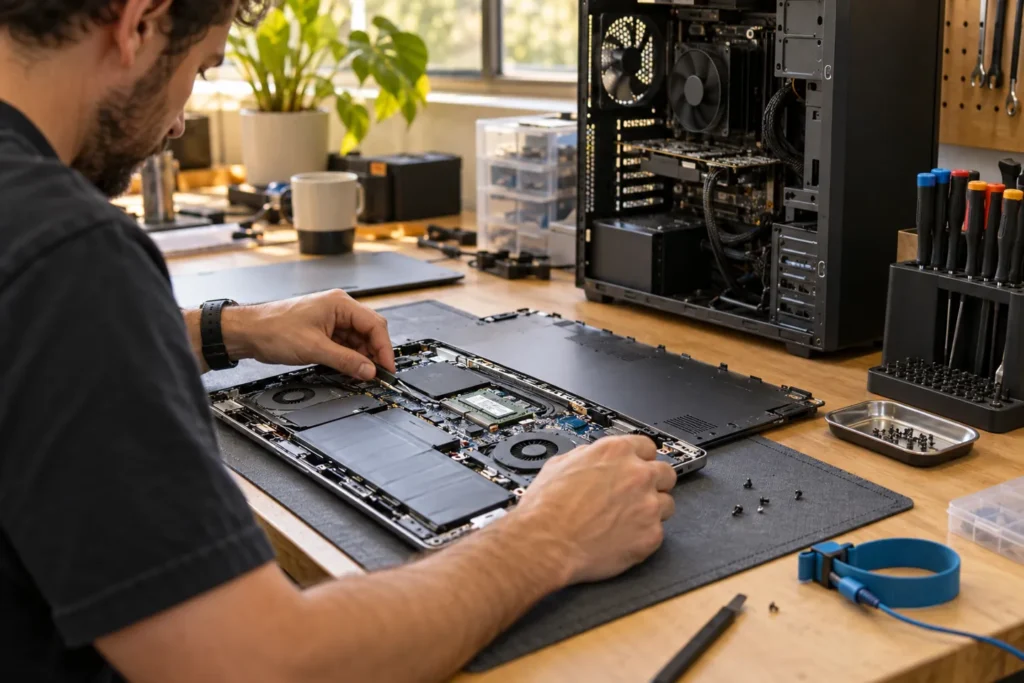
The most common computer repairs in Australian workshops are slow-storage fixes, virus cleanup, laptop screen and battery replacements, charging faults, and data recovery from failing drives. Knowing which category your symptom fits helps you pick the right service mode before you call. You’re not booking “a computer guy”. You’re booking a specific job.
Browse local repair listings by suburb, then match your fault to the guides linked below. Cost sanity checks: computer repair cost Australia (estimate bands only).
1. Slow computer / old hard drive
Replacing a spinning hard drive with an SSD is one of the highest-value fixes for laptops and desktops that still meet your software needs. Symptoms include minute-long boot times, freezing when opening files, and loud drive noise. If Task Manager shows the disk pegged while the CPU sits idle, storage is the suspect, not “Windows being Windows”.
But if the machine also needs a new screen and a swollen battery, stack the quotes before you approve the SSD alone. Related: SSD upgrade computer repair, PC repair near me.
2. Virus, malware and pop-ups
Browser hijacks, fake virus alerts and ransomware attempts drive many support calls. Mild cases can suit remote repair; entrenched malware commonly needs a workshop clean or controlled reinstall. Don’t grant remote access to anyone who cold-called you about a “Microsoft virus”.
So back up what you can from a clean state of mind, change passwords on a different device if you typed banking details into a fake page, and write down the exact pop-up text. Related: virus removal near me.
3. Laptop screen damage
Cracked panels, lines and dim backlights are model-specific jobs. Shops need the exact model number before quoting, because a $150 panel and a $450 panel can look identical until the part number lands. Liquid-damaged displays sometimes hide board damage underneath; ask whether the quote covers panel only or deeper inspection if the image stays blank after fitment.
If prices, hours and availability look thin online, call two shops with the model on the sticker under the battery flap or in System Information. Related: laptop screen repair near me.
4. Battery and charging faults
Short runtimes, sudden 20% drop-offs and charging ports that only work at a certain angle are everyday tickets. Swollen batteries are a safety issue: don’t keep using a laptop that rocks on a flat desk because the bottom is bowed. Bring the charger so they can rule out a weak brick before they order a pack.
But aftermarket batteries vary wildly. Ask about brand, warranty length and whether labour is covered if the new pack fails early. Related: laptop battery replacement cost Australia.
5. Data recovery from failing drives
Clicking disks, vanishing folders and “please format” prompts belong in the recovery bucket first. The most common computer repair mistake here is running more tools on a dying drive. Stop, power down, and ask about clone-first workflows. Related: data recovery basics, hard drive repair near me.
Priority folders should be listed on the intake sheet. Shops that know you care about tax PDFs first will image differently from a “get everything if possible” brief. See privacy handling before you leave client files on the bench.
Which service mode fits which fault?
| Fault type | Often suits | Why |
|---|---|---|
| Adware / email issues | Remote or shop | Software-heavy; hardware access optional |
| SSD / battery / screen | Shop | Parts stock and bench space |
| Office PC won’t boot on site | Mobile or shop | Depends whether it can leave the desk |
| Clicking drive / recovery | Shop or specialist lab | Imaging gear and careful handling |
| Gaming PC crashes under load | Shop | Load testing and PSU/GPU swaps |
Not sure? Use the free computer repair triage tool, then confirm hours on a listing from locations.
If you are still unsure after the table, call two shops with the same symptom sentence and ask which mode they recommend. Matching answers build confidence; wildly different answers mean you need a clearer fault description.
Frequently Asked Questions
What’s the single most common computer repair?
Slow-storage upgrades and malware cleanup fight for the top spot in many Australian shops. Screens and batteries aren’t far behind on laptops.
Can remote support fix hardware?
No. Remote can diagnose symptoms and clear software faults. Screens, fans and drives need hands on the machine.
How do I know if repair is worth it?
Compare the written quote to a machine that meets today’s needs. Start with is it worth repairing my computer.
Do shops stock parts for every brand?
Common Dell, HP, Lenovo and Asus parts move faster than obscure models. Expect order time on rare panels.
Sources: See also www.cyber.gov.au for baseline Australian guidance.
By Computer Repairs Near Me Team. Last updated July 2026. About · Find repairers
Looking for local businesses?
Browse verified listings across Australia with current hours, reviews and contact details.
Related guides


Need a local listing?
Browse verified businesses in our directory or read more guides on the blog.
Find repairers All guides