
SSD Upgrade for Slow Computers: Costs and What Repairers Do (2026)
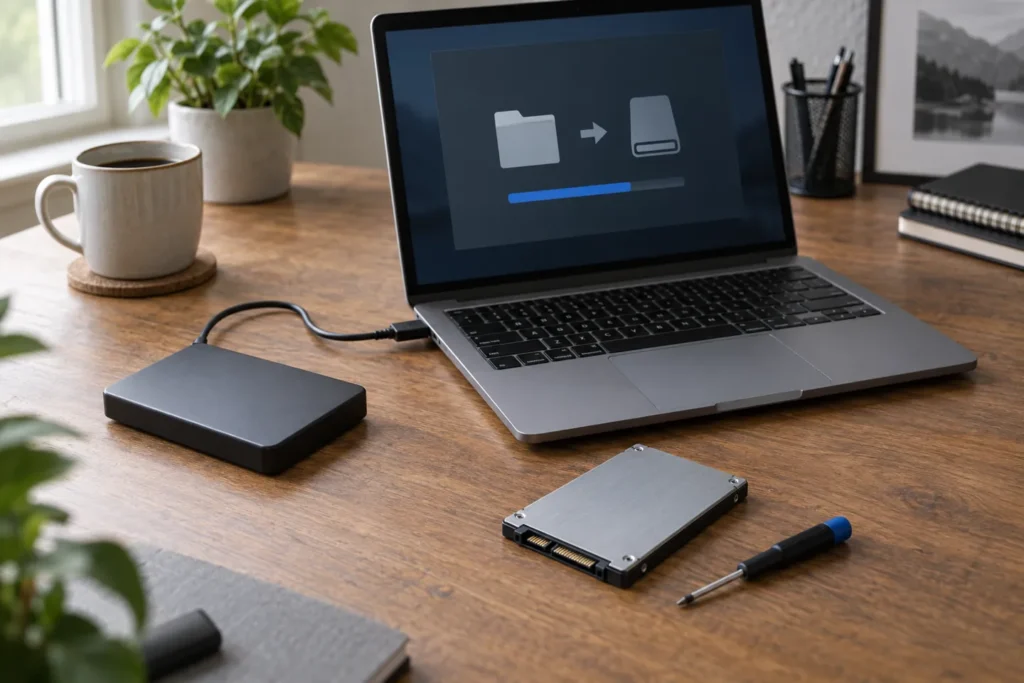
An SSD upgrade computer repair job is one of the highest-value fixes Australian workshops still do. If the chassis, screen and keyboard are fine but boot times crawl, swapping a spinning hard drive for solid-state storage can cut boot time from minutes to seconds.
You’re not buying a new personality for the PC. You’re removing the part that made everything feel older than it is.
Find a local installer via the location hub. Related: most common computer repairs, PC repair near me, and hard drive repair near me.
When an SSD upgrade makes sense
- Boot and app launch take ages but the CPU still handles your tasks
- You hear clicking or grinding from a hard drive (upgrade plus backup urgently)
- Disk usage sits at 90%+ in Task Manager during normal use
- The machine is roughly 4–8 years old with 4–8 GB RAM; SSD plus optional RAM bump extends life
Skip the upgrade if the motherboard, screen or battery already need expensive work. Use repair vs replace first. So don’t spend $300 on storage for a laptop that also needs a $400 screen and a $250 battery unless the data or the chassis specs justify the stack.
What the repairer does
- Check compatibility. SATA vs NVMe slot, physical space in laptops, caddy needs for optical-bay swaps on older models.
- Quote capacity. 500 GB and 1 TB are common; creators often want 2 TB.
- Clone or reinstall. Cloning copies Windows and apps; clean install is fresh but needs setup time.
- Retire the old drive. Secure wipe, return as an external USB enclosure, or hand it back untouched.
But cloning a failing hard drive is risky. If the source is already clicking, ask for recovery-aware imaging first. A failed clone mid-job can leave you with a half-copied SSD and a worse patient disk. Tell them about SMART errors before they start.
Typical Australian estimate bands (not fixed prices)
These are ballpark figures only. City, parts brand and labour rates move the number:
- SSD part (500 GB–1 TB consumer): often roughly $60–$180 depending on type and sale pricing
- Labour + clone or install: commonly roughly $80–$200
- Combined workshop packages: often land around $150–$350 all-in for straightforward laptops
See also computer repair cost Australia. MacBook upgrades can sit higher when storage is soldered; many modern Macs aren’t user-upgradable at all. Ask before you assume the shop can “just fit an SSD”.
Regional shops can undercut CBD rates on labour while parts prices stay similar. Ask whether the SSD is DRAMless budget, mainstream, or higher-end. The label on the box changes longevity more than the labour line.
Clone vs clean install
Clone if you need the machine back the same day with apps intact and the source disk is healthy. Clean install if the PC is full of junk profiles, old antivirus leftovers, or mystery startup items. Clean installs take your time after pickup: printers, Office licences, browser bookmarks. Neither path is “wrong”; match it to how patient you are and how messy the old system feels.
If you choose clone, ask them to leave the old drive intact until you’ve confirmed the new SSD boots and your files are there. Don’t approve a wipe of the only copy on day one.
Questions to ask before they open the case
- SATA or NVMe for this model?
- Will I get the old drive back?
- Is data migration included in the quote?
- What warranty covers the SSD part vs the labour?
Get answers on the job sheet. For consumer guarantee context on the service itself, see Australian Consumer Law and computer repair.
If the laptop uses a proprietary blade SSD, confirm the shop can source it before you approve teardown. Some ultrabooks need model-specific modules that take days to arrive.
Frequently Asked Questions
Will an SSD fix a slow internet connection?
No. It fixes storage wait times. Wi-Fi and ISP issues need different troubleshooting.
Can every laptop take an NVMe drive?
No. Older machines may only have SATA. Some ultrabooks have soldered storage you can’t upgrade.
Should I upgrade RAM at the same time?
If slots are free and you’re at 4–8 GB, a RAM bump often pairs well with an SSD. Ask for a combined quote.
Where do I book an SSD upgrade near me?
Browse locations and confirm compatibility for your exact model before you drop off.
Sources: See also www.cyber.gov.au for baseline Australian guidance.
By Computer Repairs Near Me Team. Last updated July 2026. About · Find repairers
Looking for local businesses?
Browse verified listings across Australia with current hours, reviews and contact details.
Related guides


Need a local listing?
Browse verified businesses in our directory or read more guides on the blog.
Find repairers All guides