
Data Recovery and Privacy in Australia: What Repairers Should Do With Your Drive
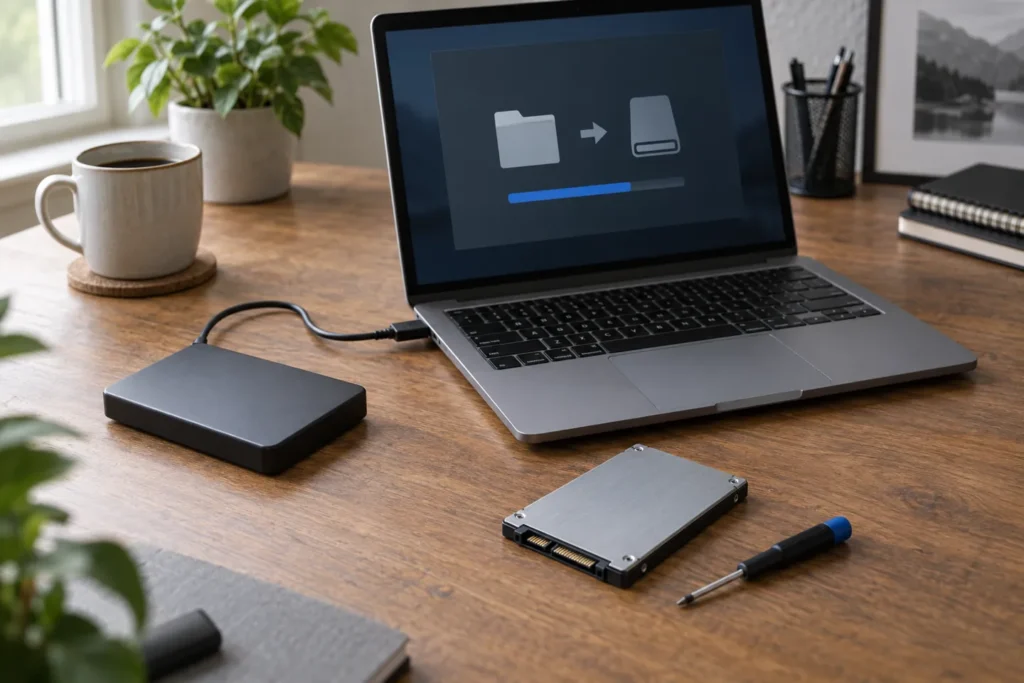
Data recovery privacy Australia comes down to a practical question: who can access your files while a drive sits on the bench, and what happens to copies after the job ends. A good shop explains access, cloning, storage and disposal before you leave the device. A vague “we’re careful” isn’t a process.
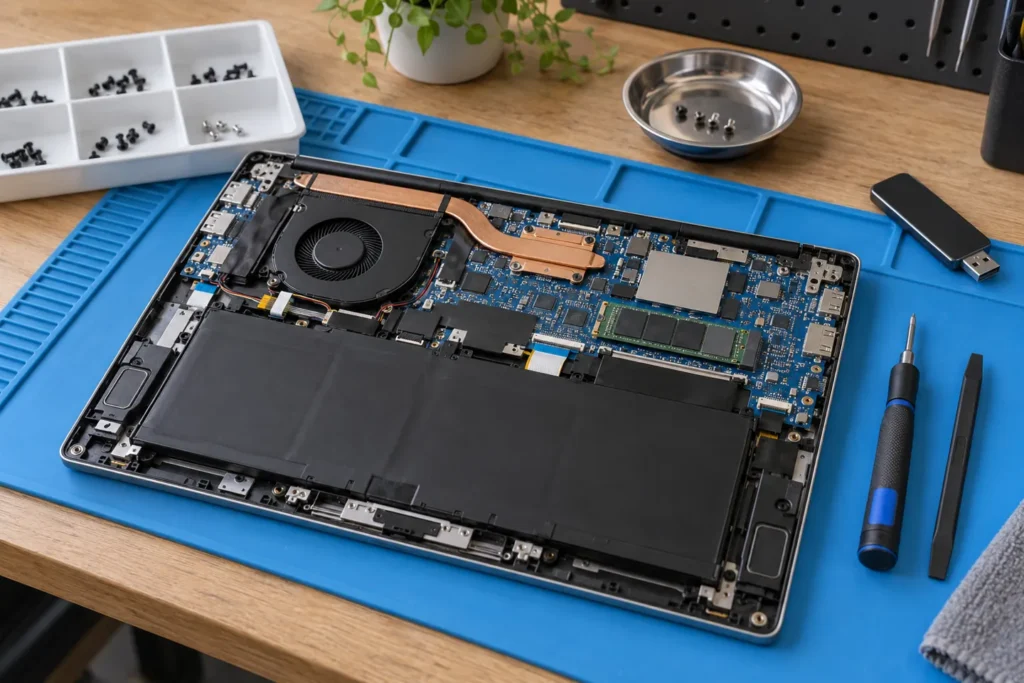
Use this guide before booking recovery or invasive repair. Pair it with data recovery basics, before you hand over your laptop, and local options in our computer repair directory.
What a repairer should do with your drive
For diagnosis and recovery, shops often need to read the disk, clone it, or image it to a working enclosure. That’s normal. What you want documented is the process:
- Written scope: which files or partitions they’ll attempt, and whether success is guaranteed (usually it isn’t).
- Clone-first policy on failing media when the files matter more than a quick OS fix.
- Limited staff access: who can mount customer drives, and whether jobs stay on a dedicated recovery PC.
- No browsing for fun: technicians should open folders only as needed to verify recovery.
- Return or destroy of working copies: temporary images should be wiped or returned with the device, not left on a shared NAS forever.
If the shop only needs hardware work (screen, battery, fan) and you can remove the drive yourself, ask whether they’ll accept the chassis without storage. That cuts exposure for tax, medical or client files. So don’t be shy about asking; serious shops hear this weekly.
OAIC privacy expectations in plain English
Businesses that collect or handle personal information may have obligations under the Privacy Act and the Australian Privacy Principles, depending on size and what they do with the data. The Office of the Australian Information Commissioner (OAIC) is the national privacy regulator. You don’t need to recite APP numbers at the counter. Ask plain questions:
- Where will my drive and any clones be stored overnight?
- Who can log into the recovery workstation?
- How long do you keep images after I collect the device?
- Will you email me file lists that include filenames of private folders?
- Do you use cloud sync on the recovery PC?
But don’t invent a court case in your head if the shop can’t quote the Privacy Act by section. You’re looking for a clear handling story, not a law lecture. If they look offended that you asked, that’s useful information too.
Encryption and passwords
Full-disk encryption (BitLocker, FileVault) protects you if a drive is lost in transit. It also means the shop needs credentials or a recovery key to do anything useful. Write the password on the job sheet only if you’re comfortable, or attend while they unlock it. Don’t text bank passwords into a group chat with the receptionist. If your employer owns the laptop, check with IT before any third-party recovery.
If the drive is already unlocked and sitting in a USB dock on their bench, anyone with physical access can copy it. Ask whether customer media stays locked away when staff aren’t actively working the job.
Red flags before handover
- They refuse to write down retention or wipe steps
- They want remote access to your home NAS “while we’re at it”
- They post customer screenshots on social media as trophies
- They can’t explain where temporary clones live
- They pressure you to leave the only copy of passport scans without a receipt
Photograph the serial number and get a ticket number. For consumer rights around quotes and custody, see computer repair consumer rights Australia.
Trust your gut if staff joke about browsing customer photos. Professional shops treat drives as confidential work product, not entertainment. Walk out with the drive if the culture feels wrong.
After the job: confirm the copies are gone
When you collect, ask them to confirm temporary images were wiped or handed back. If you paid for recovery to a new SSD, decide whether you want the old patient drive returned (often yes) or destroyed. Get that choice on the invoice. If a business drive held customer personal information, your own privacy obligations may require you to document destruction. That’s on you as well as the shop.
Ask for a short note on the invoice: “temporary images wiped on [date]” or “old drive returned to customer”. Paper trails help if a question comes up later at work or with a client.
Frequently Asked Questions
Do all repair shops have to follow the Privacy Act?
Not every small business is covered in the same way. Size and activities matter. Still ask how they handle your files; good practice doesn’t wait for a legal threshold.
Can I stay while they clone the drive?
Some shops allow it for sensitive jobs. Ask when you book. Space and insurance rules vary.
Is mail-in recovery riskier for privacy?
Transit adds loss risk. Use tracked shipping, encrypt when you can, and read the lab’s retention policy before you post the disk.
Where do I find a local recovery-aware shop?
Browse locations, then ask the handling questions above before you leave the drive.
Sources: OAIC · Privacy Act overview
By Computer Repairs Near Me Team. Last updated July 2026. About · Find repairers
Looking for local businesses?
Browse verified listings across Australia with current hours, reviews and contact details.
Related guides


Need a local listing?
Browse verified businesses in our directory or read more guides on the blog.
Find repairers All guides