HP Laptop Repair Near Me: Hinges, Pavilion and EliteBook
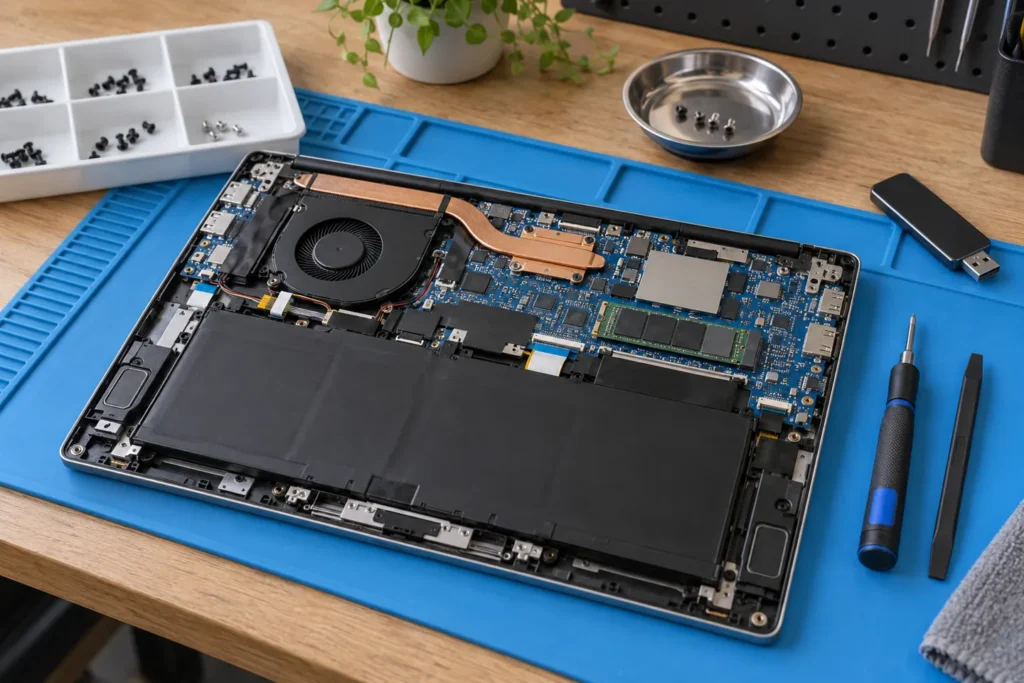
An HP repair enquiry may concern a Pavilion, EliteBook, Envy or Omen with a charging, display, hinge or other fault. HP parts are model-specific. The product number on the bottom sticker matters more than “15-inch HP” every time.
Find nearby workshops through the location hub, then use this HP checklist before you call. General laptop path: laptop repair near me.
Find the exact HP product number
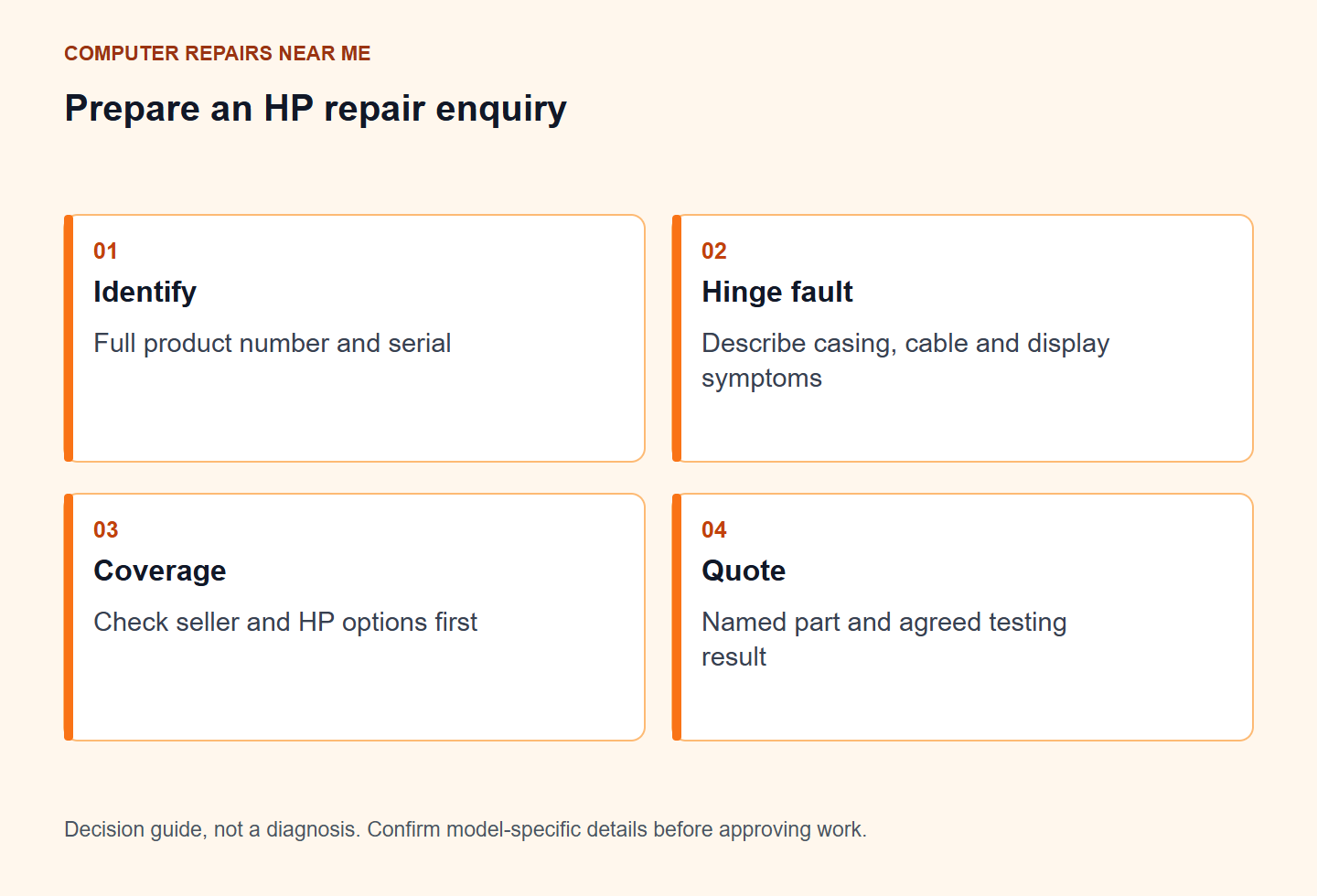
Look on the bottom sticker, original box, or HP Support Assistant. You want a string like HP Laptop 15-dw2023TU or EliteBook 840 G8, not a vague screen size. Serial number helps for warranty lookup on HP’s support site. Independents still need the model code to order panels, hinge kits and batteries that actually fit.
If the label is unreadable, check HP’s supported identification tools or purchase documents while the device is stable. The product number helps identify the compatible assembly; it does not establish overnight availability.
Warranty checks before independent work
Check the exact HP product and purchase entitlement rather than assuming one warranty period for all Pavilions or EliteBooks. Review accidental-damage conditions separately and contact the seller where a consumer-guarantee remedy may apply.
If the fault may be covered, contact HP or the seller before paying privately. For other work, compare the complete quote and ask whether the provider handles your exact product number.
Hinges, screens and other faults to describe
A hinge enquiry needs inspection of the pivot, mounting points, casing and display cable. Replacing the panel alone may leave damaged mounting unresolved. Describe swelling, charging faults, fan behaviour or a keyboard spill separately. For an Omen performance problem, record the workload and power source before approving cooling work.
Don’t keep opening a wobbling lid “just a bit more.” Hinge stress tears display cables. Screen pricing: laptop screen repair near me. Heat issues: laptop overheating repair.
Independent vs authorised HP service
Check the available manufacturer or seller remedy first when coverage may apply. For an independent repair, ask which part will be fitted, its source and condition, and what testing or configuration follows.
Confirm experience with your particular assembly rather than relying on a general claim to repair all laptops. Ask whether any work is referred to another provider.
Compare a fitted HP quote
Get the fitted quote for your full product number and fault. Separate display, hinge, battery or storage work and identify assessment, parts, labour, data transfer and GST. This article does not establish national HP price bands.
Ask whether assessment is credited and whether hinges, housing or cables are additional. Compare the same part specification and authorised outcome. The cost guide illustrates different fee arrangements.
Questions that separate good HP quotes from vague ones
- Have you fitted screens or hinge kits on this HP series?
- Is the quote fixed once parts arrive?
- Will you check hinge alignment before fitting a new panel?
- How long if parts aren’t stocked?
- Warranty on part and labour?
- How will files be protected before storage work?
Compare the answers from nearby repairers using the same model and fault description. Use the handover checklist to record permissions and accessories.
Frequently Asked Questions
Can any computer shop repair HP laptops?
Many can, but parts vary by model. Confirm experience with your product number before booking.
Is HP laptop screen repair worth it?
Compare the complete screen and any hinge/casing repair with a suitable replacement including setup. Check the laptop’s supported software, condition and other faults; age alone does not decide it.
What if my HP laptop has a swollen battery?
Stop using and charging the laptop and obtain safe handling advice before transport. Swollen packs can damage trackpads and screens.
Does HP warranty cover accidental damage?
Standard warranty usually excludes drops and spills. Accidental damage plans vary by product.
Where do I find hp laptop repair near me?
Search repairers by suburb and mention your full HP product number on the first call.
By Computer Repairs Near Me Team. Reviewed 2 November 2026. About · Find repairers
Use the manufacturer’s model and service information to check your exact product and coverage. For Australian consumer guarantees alongside warranty terms, read ACCC guidance.
Find a repairer for this job
Check local repairers and ask whether they handle your device and fault.