
How to Choose a Computer Repair Shop: Checklist (2026)
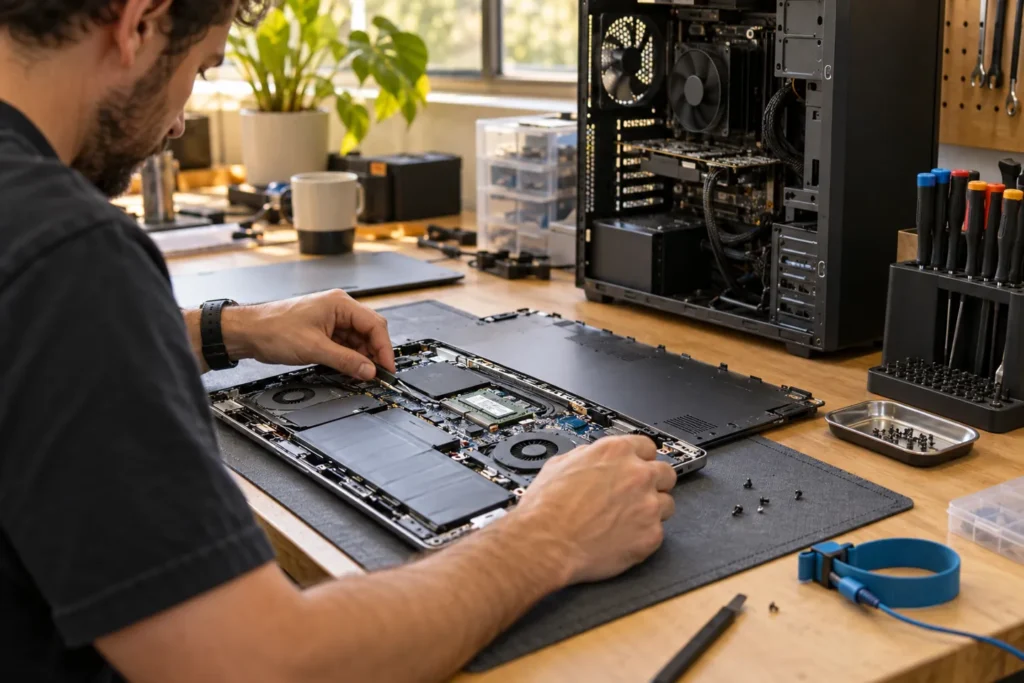
To choose a computer repair shop you trust, confirm they handle your device type, explain diagnosis fees, protect your data, and quote before ordering parts. Reviews help, but they should mention the same kind of repair you need, not just generic five-star praise. That is the practical answer to how to choose a computer repair shop in Australia.
Shortlist businesses from our location directory, then run through this checklist before you drop off a laptop or desktop.
Checklist before you book
Confirm the shop repairs your device and fault. Mac, gaming PC and business support need different skills. Ask for a clear diagnostic fee policy so you aren’t surprised by bench charges. Get parts approval in writing so quotes don’t change without contact. Make sure data handling is explained: passwords, backups and wipe policy. Check warranty on labour and parts; 30–90 days is common for screen and battery work. Confirm a physical address or stated service area if they’re mobile.
| Check | Why it matters |
|---|---|
| Repairs your device and fault | Mac, gaming PC, and business support need different skills |
| Clear diagnostic fee policy | Avoid surprise bench charges |
| Parts approval in writing | Quotes should not change without contact |
| Data handling explained | Passwords, backups, wipe policy |
| Warranty on labour and parts | 30–90 days is common for screen and battery work |
| Physical address or service area | Mobile businesses should state suburbs covered |
So treat the listing like a checklist, not an advertisement. Missing contact details are a harder problem than a slightly lower star rating.
Questions to ask on the phone
Do you work on this brand and model regularly? Is there a diagnosis fee and is it credited if I proceed? Will you call before ordering parts? Where is the device stored and who accesses it? What warranty do you provide? What’s the typical turnaround for this fault?
A vague “bring it in” answer without fee or process detail is a yellow flag, not an instant disqualifier. Compare another shop. You’re allowed to call two places in suburbs like Preston, Ipswich or Mandurah before deciding.
But don’t expect a final parts price for a sealed Ultrabook before they’ve opened it. Expect a process: diagnose, call you, then order. That rhythm protects both sides.
Trust signals that actually help
Recent reviews mentioning your fault type help more than raw star count. Consistent business names across website, map listing and directory entry matter. Clear phone, hours and address on the listing matter. Willingness to explain limits (“we don’t do board-level Mac work”) is a green flag, not a weakness.
National chains and local workshops can both be fine. Compare quote clarity, not brand size alone. A franchise with muddy warranty language is worse than a small shop that emails a clear scope. For fee language that sounds too good, read no fix no fee explained.
If reviews only say “great guy” with no fault detail, keep looking for comments about screens, data recovery or business support that match your job.
Red flags worth walking away from
Fixed hardware prices before seeing the device, pressure to pay large deposits without inspection, promises of guaranteed data recovery from a clicking drive, reinstalling Windows as the only solution offered, no receipt or warranty terms, and refusal to discuss who accesses your files are all warning signs.
Also watch for invoices that don’t match the quote, parts replaced without approval, and businesses that can’t give an ABN or tax invoice. More detail sits in how to spot a dodgy computer repair shop.
Don’t hand over a machine while you’re still confused about fees. Confusion at the counter becomes an argument at pickup.
Match service mode, then decide if repair is worth it
Hardware goes to a workshop. Home Wi-Fi and printers suit mobile. Software-only issues can suit remote repair. See computer shop vs mobile repair for a full comparison. After you choose, back up when possible, keep accessories listed on the job ticket, and photograph cosmetic damage.
Typical Australian bands many shops quote include diagnostics around $80–$150, malware cleanup around $120–$250, SSD upgrade plus clone around $150–$350, laptop screens around $180–$550, and batteries around $120–$280. Confirm for your model via computer repair cost Australia.
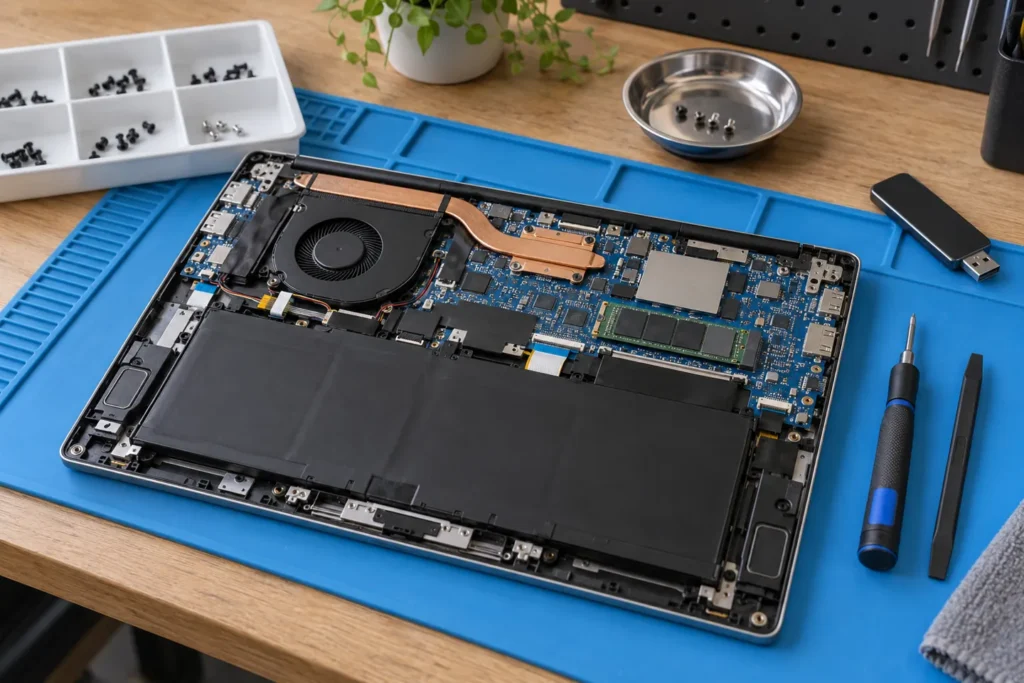
If the quote exceeds roughly half a suitable replacement, or the device is old with no backup of important files, pause and read is it worth repairing my computer. Also see ACL and repair rights and before you hand over your laptop.
Frequently Asked Questions
Are computer repair shops safe?
Reputable shops handle thousands of devices with clear policies. Choose businesses that explain storage, access and wipe rules. Avoid leaving passwords on sticky notes unless required.
Should I use the closest repair shop?
Proximity helps for drop-offs, but skill match matters more. A suburb away is fine if they specialise in your fault.
Do repair shops need my password?
Sometimes, to test login after repair. Ask whether a temporary account works instead. Change passwords after pickup if you had concerns.
Can I trust online reviews?
Use them with context. Look for detailed recent reviews about similar repairs, not only star count.
Where do I find repair shops near me?
Browse all locations, filter by state and suburb, and call two or three before deciding.
When you are ready to shortlist a shop, open live profiles such as IT Support Services Sydney, Geek Sydney, Mitronics Corporation Perth. Compare suburb hubs for East Melbourne computer repairs and Sydney computer repairs — each page lists stored phones, hours and ratings where we have them, with no invented prices.
By Computer Repairs Near Me Team. Last updated July 2026. About · Find repairers
Sources: ACCC · Australian Cyber Security Centre
Looking for local businesses?
Browse verified listings across Australia with current hours, reviews and contact details.
Related guides


Need a local listing?
Browse verified businesses in our directory or read more guides on the blog.
Find repairers All guides