Gaming Laptop Repair Australia: Heat, GPUs and When a Shop Can Help
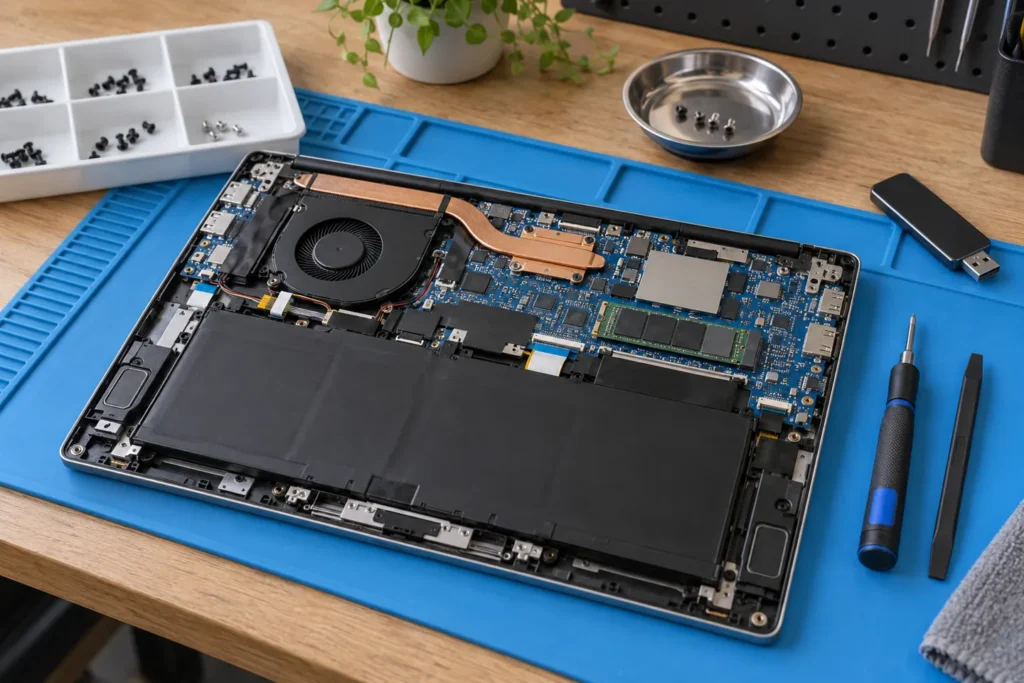
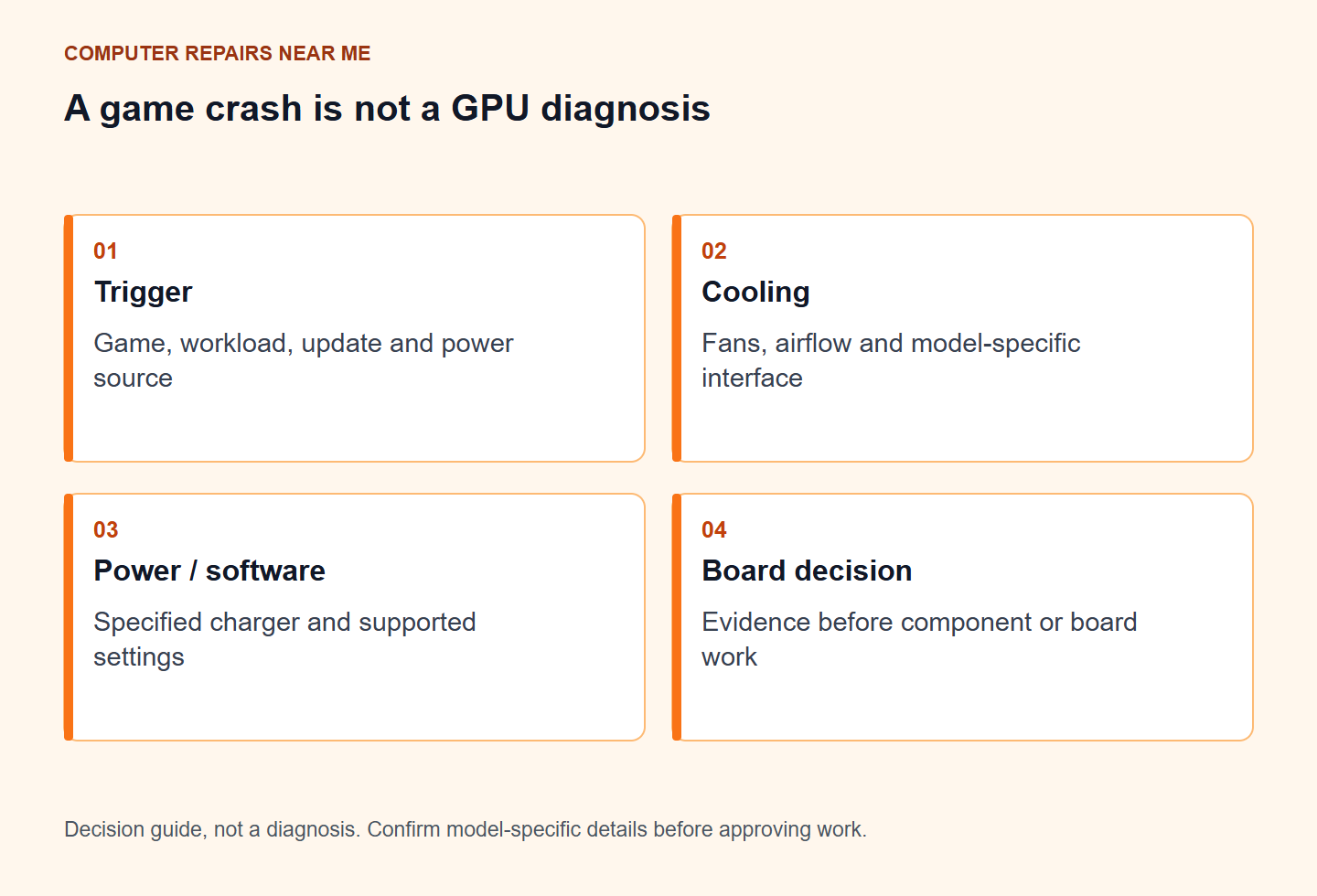
For a gaming laptop that crashes, slows down or shows graphics artefacts, record the trigger and exact model before booking a workshop. Heat, power delivery, drivers, memory and graphics hardware can produce overlapping symptoms. A crash during a game does not by itself prove the GPU needs replacing.
Give the workshop a reproducible fault description
Note the game or application, when the fault appears, whether the laptop is plugged in and any recent driver, firmware or performance-setting changes. Send a photo of an error already captured rather than running repeated stress tests. If there is a burning smell, liquid exposure or battery swelling, power off and arrange safe handling.
Bring the specified charger and tell the shop if a substitute was used. An inadequate adapter can limit performance or charging. It is not evidence of overheating or a dead GPU. Use the manufacturer’s model-specific power requirements rather than a plug that merely fits.
Ask what the temperature reading measures
CPU or GPU sensor readings are different from the temperature of the keyboard or case. Record the monitoring tool and workload if you already have a reading. Avoid treating one number as a diagnosis across every model.
A workshop can inspect fans, air passages and the cooling assembly, then test performance after any service. Dust can obstruct airflow around cooling fins; it does not fill the sealed interior of a vapour chamber. Paste, pads and liquid-metal procedures depend on the design. Ask for the actual finding before approving a routine repaste.
Find out what is replaceable in your model
Fans, keyboards, batteries and display assemblies may be replaceable. CPU and GPU arrangements vary; many models do not have a socketed graphics card. A tower-style GPU swap is therefore not an appropriate promise. Ask whether the proposal is component repair, a board replacement or further diagnosis.
Scroll sideways if needed to read all columns.
| Finding | Question before approval |
|---|---|
| Cooling obstruction or failed fan | What will be serviced and how will the result be tested? |
| Display artefacts | Have panel/cable and graphics causes been separated? |
| Board fault | What evidence supports repair or replacement, and what are the limits? |
| Software instability | Can it be reproduced at supported default settings? |
Compare the complete outcome
Get assessment, parts, labour, GST, outsourced work and the warranty in writing. Confirm the next step if the first repair does not resolve the stated fault. There is no universal same-day promise for thermal service or board work.
Compare the total with a suitable replacement, including setup and file transfer. Keep recovery spending separate from restoring gaming performance. The laptop decision guide helps organise that comparison.
Prepare a data-first handover
Back up accessible files only while the machine is safe and stable. Record which accounts or recovery keys may be needed, and agree the testing access rather than sending your main password in a booking message. Use the handover checklist before contacting local repairers.
By Computer Repairs Near Me Team. Reviewed 2 November 2026. About our directory.
Find a repairer for this job
Check local repairers and ask whether they handle your device and fault.