Dell Laptop Repair Near Me: Service Tag, XPS and Latitude
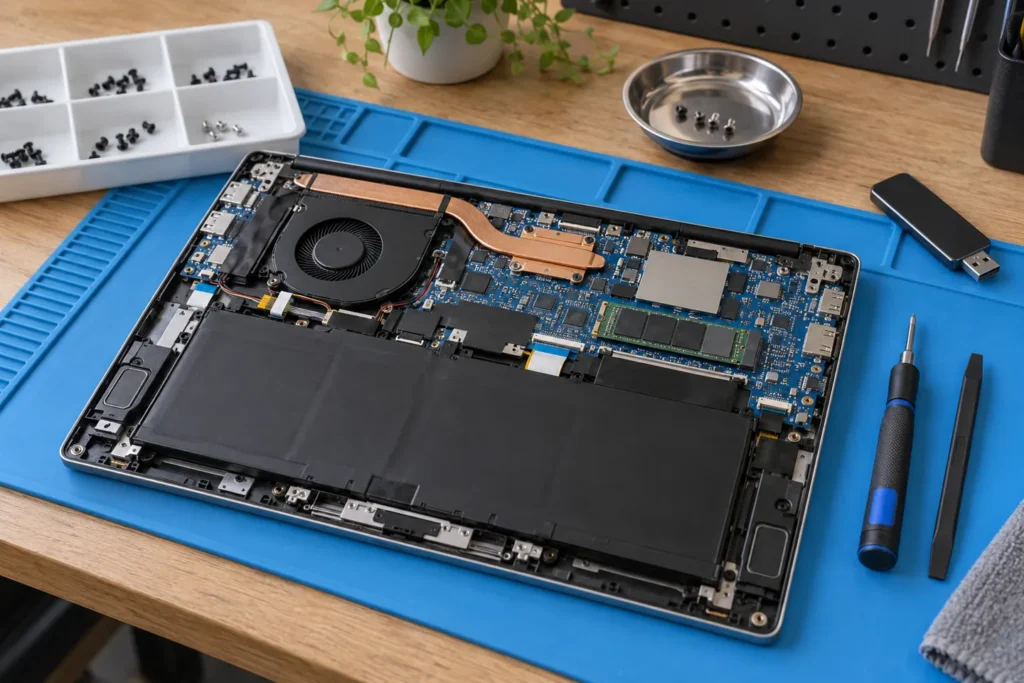
Have the Dell model and Service Tag ready when requesting a laptop repair quote. They help the provider check the original configuration and support entitlement. Describe the fault and mention any previous parts replacement, because the installed assembly may differ from the original.
Shortlist workshops from the location hub, then use this Dell checklist before you call. Brand-agnostic tips: laptop repair near me.
Find the Dell service tag first
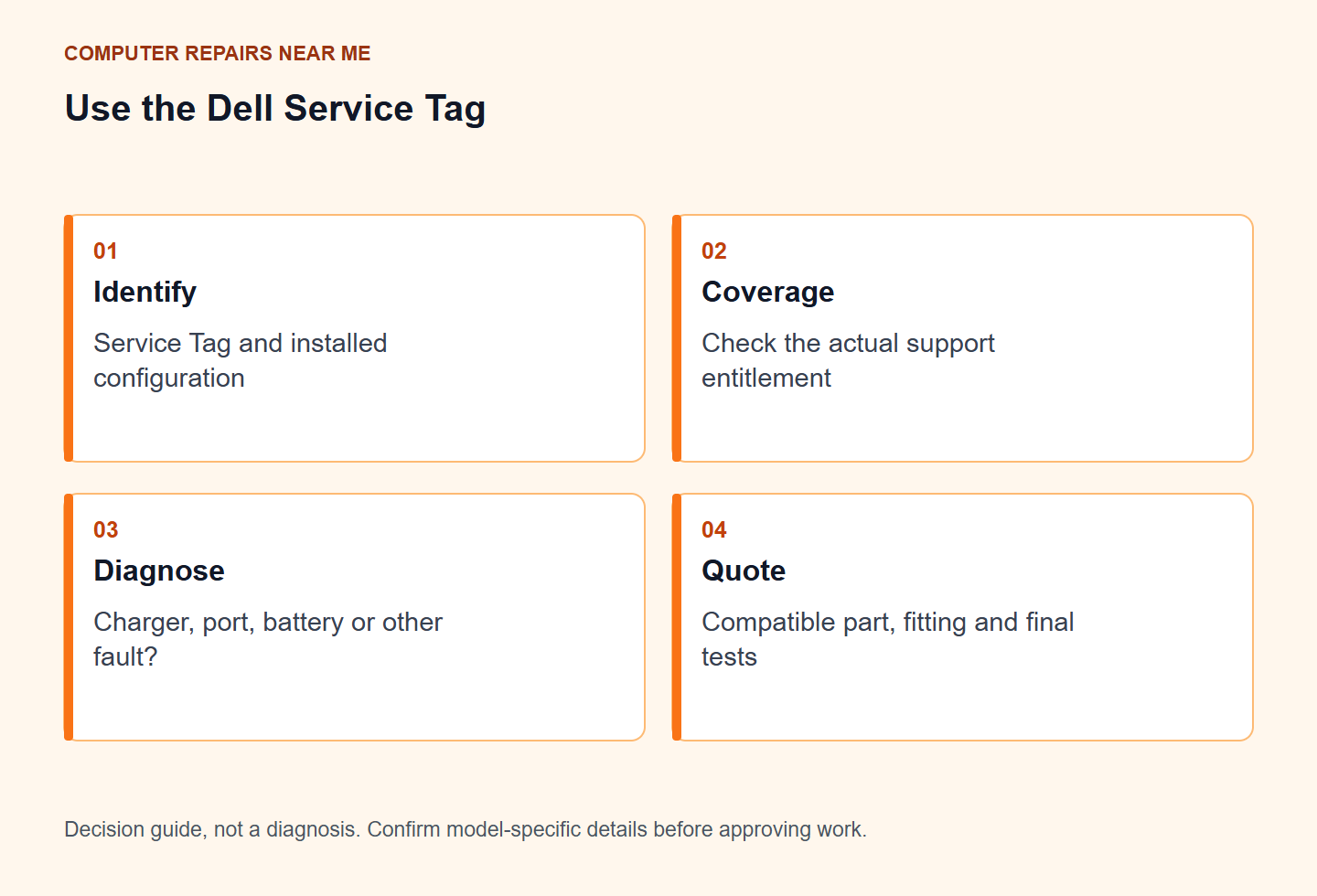
The service tag sits on the bottom label, in BIOS, or inside Dell SupportAssist. It unlocks warranty status and the correct parts list on Dell’s support site. Give the tag when you request a screen or battery quote so the shop orders the right eDP panel and connector, not a near-miss that won’t fit.
If a label is worn, use the supported model-identification method while the machine is stable or check purchase records. Keep the Service Tag private. It helps identify the original configuration, but the shop should check the installed assembly if parts have changed.
ProSupport, consumer warranty and authorised paths
Check the actual Dell support entitlement for the Service Tag: service levels and accidental-damage options vary by purchase. An advertised product family does not establish your cover. Australian consumer guarantees are separate from that commercial plan.
If support may cover the fault, contact Dell or the seller before paying privately. Otherwise compare quotes for the same model, diagnosed fault, part condition and warranty terms.
Symptoms to describe before booking
- Cracked, flickering or damaged displays
- Battery swelling or a lifting case
- USB-C and barrel-jack charging faults
- Storage faults or a request for more capacity
- Heat, fan noise or shutdowns under load
- Keyboards after liquid spills
Don’t ignore a lifting trackpad. Swelling damages more than runtime. Stop using and charging the laptop and obtain safe handling advice before transport. Screen pricing context: laptop screen repair near me. Quote comparison: computer repair cost Australia.
Independent shops vs Dell authorised service
Check Dell’s actual coverage for your Service Tag before approving private work. For an independent quote, identify the compatible part, condition, testing and warranty rather than assuming Dell parts are overpriced or the independent will be faster.
But “we fix all laptops” isn’t the same as stocking XPS hinge kits. Ask whether they’ve fitted your series before. A shop that orders from the service tag without arguing is usually safer than one quoting from screen size alone.
What to say on the first call
- Read out the service tag and exact model series.
- Describe the fault (no charge, lines on screen, swollen base).
- Ask if the quote includes parts, labour and GST.
- Ask about parts lead time if the panel isn’t on the shelf.
- Ask about data handling if the drive will be touched.
- Ask for the labour warranty length in writing.
If you’re comparing two suburbs, call both with the same tag and fault description. Clear answers beat glossy websites. Handover checklist: before you hand over your laptop.
When Dell repair stops making sense
Compare the complete repair with a suitable supported replacement. Add any other known screen, battery or hinge work, and keep file recovery separate from restoring the chassis. Neither a five-year age nor a percentage alone decides the outcome.
Ask how the proposed work addresses the diagnosed fault and whether other problems remain. Compare that outcome with replacement before approving a large deposit. The repair-or-replace guide sets out the questions.
Frequently Asked Questions
How much does Dell laptop screen repair cost?
Request a Service Tag-specific fitted quote, including the exact display, parts condition, labour, GST and any assessment charge. XPS and Inspiron assemblies cannot be priced from diagonal size alone.
Can any computer shop fix a Dell laptop?
Many can, but parts vary by model. Confirm Dell experience and ask them to order from your service tag.
Is Dell laptop repair worth it on an old machine?
Compare the complete repair quote with a suitable replacement, including setup. An upgrade is useful only if it addresses your needs and the rest of the machine remains suitable.
Does third-party repair void Dell warranty?
Invasive unauthorised work can affect related claims while cover is active. Check Dell first if warranty might still apply.
Where do I find dell laptop repair near me?
Browse repairers by suburb and provide your service tag on the first call.
By Computer Repairs Near Me Team. Reviewed 2 November 2026. About · Find repairers
Use the manufacturer’s model and service information to check your exact product and coverage. For Australian consumer guarantees alongside warranty terms, read ACCC guidance.
Find a repairer for this job
Check local repairers and ask whether they handle your device and fault.