
Computer Technician Near Me: What They Do and How to Hire (2026)
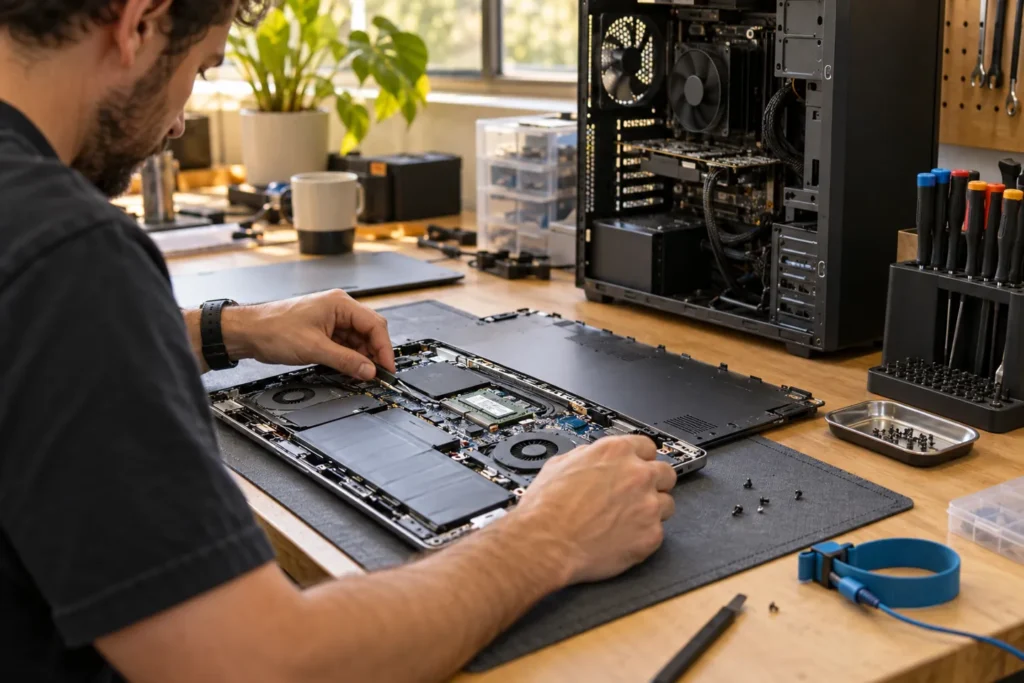
A computer technician near me search can mean someone who swaps laptop screens, fixes home Wi-Fi, removes malware, or manages Microsoft 365 for a small business. The title is broad, so describe your symptom clearly before you hire.
Shortlist providers from the Computer Repairs Near Me directory, then use this guide to match technician type to your job.
Types of computer technicians and what they actually do
Hardware repair technicians focus on screens, batteries, desktops and data recovery. Mobile or on-site technicians handle home offices, Wi-Fi, printers and NBN setup. Remote support technicians work on software, email and milder malware when the PC is online. Business IT technicians cover networks, backups and ongoing monitoring.
One person can cover several roles. Ask what they don’t service as well as what they do. A brilliant MacBook battery tech might not want your office switch stack. A managed-IT provider might be overkill for a single cracked laptop screen.
| Type | Typical work |
|---|---|
| Hardware repair technician | Screens, batteries, desktops, data recovery |
| Mobile / on-site technician | Home office, Wi-Fi, printers, NBN setup |
| Remote support technician | Software, email, mild malware |
| Business IT technician | Networks, backups, ongoing monitoring |
So start with the fault, then pick the type. Don’t hire on title alone.
Questions to ask before you hire anyone
Do you repair this device type and fault regularly? Are you mobile, workshop-based or remote? What’s your diagnostic or callout fee? Do you quote before ordering parts? How do you handle passwords and personal data? What warranty do you offer on labour and parts?
Listen for specifics. “We see a lot of HP charging ports” is more useful than “we fix everything.” If they can’t explain data handling in plain English, keep looking. The full shop checklist lives in how to choose a computer repair shop.
But proximity still matters for drop-offs. A suburb away is fine if they specialise in your fault. The closest technician isn’t automatically the best match.
Hourly rates and typical job bands in Australia
Workshop and mobile technicians commonly charge around $80–$150 per hour plus parts, with callouts higher in regional areas. Remote sessions can cost roughly $90–$180 flat for standard fixes. Urban centres often sit at the top of those bands.
Ballpark job ranges many shops quote include diagnostics or tune-ups around $80–$150, virus cleanup around $120–$250, SSD upgrade plus clone around $150–$350, laptop screens around $180–$550, batteries around $120–$280, and charging-port work around $120–$320. OLED, touch and board-level faults climb higher.
These are typical figures, not a national price list. Confirm with a quote for your exact model. More detail sits in computer repair cost Australia.
When a technician is not the right fit
Major data recovery on clicking drives can need a specialist lab, not a general break/fix tech. In-warranty manufacturer defects can need brand-authorised service if you want to keep cover intact. Large managed IT contracts can be overkill for a single home laptop screen.
If the quote exceeds roughly half the cost of a suitable replacement, or the device is five to seven years old with a failing motherboard and no backup, pause. Liquid damage, repeated power failures and swollen batteries also push many machines toward replace rather than repair.
Compare the quote with a basic new or refurbished laptop and read is it worth repairing my computer before you pay a large deposit. Don’t let urgency talk you into a board rebuild you don’t need.
Match your problem to the right next guide
Laptop hardware points to laptop repair near me. Desktop towers point to PC repair near me. Home visits sit under mobile computer repair. Software online sits under remote computer repair.
If you’re weighing a national call-out brand against a suburb workshop, read local vs Geeks2U. Broader service categories are covered in computer services near me. Before drop-off, skim before you hand over your laptop.
If you’re hiring for a small office in places like Adelaide’s inner south or Brisbane’s northern suburbs, ask about after-hours rates, parking and whether the tech is an employee or contractor. Those details matter more than a glossy website.
Frequently Asked Questions
What does a computer technician do?
They diagnose and fix hardware and software problems on PCs, Macs and related devices, or configure networks and accounts. The exact mix depends on whether they’re workshop, mobile or remote focused.
Do I need a certified computer technician?
Certifications help for business IT, but many skilled repairers learn through experience. Ask about similar jobs they’ve completed recently.
Should I hire the closest computer technician?
Proximity helps for drop-offs, but skill match matters more. A suburb away is fine if they specialise in your fault.
Where do I find a computer technician near me?
Browse all locations, filter by suburb, and call two or three before booking.
What’s a fair callout fee?
It varies by city and distance. Ask whether the first hour includes diagnosis and whether parts trigger a second visit fee.
When you are ready to shortlist a shop, open live profiles such as YGIT Perth, Managed IT Services East Melbourne, Dr Boom Communications Melbourne CBD. Compare suburb hubs for East Melbourne computer repairs and Sydney computer repairs — each page lists stored phones, hours and ratings where we have them, with no invented prices.
By Computer Repairs Near Me Team. Last updated June 2026. About · Find repairers
Sources: See also www.cyber.gov.au for baseline Australian guidance.
Looking for local businesses?
Browse verified listings across Australia with current hours, reviews and contact details.
Related guides


Need a local listing?
Browse verified businesses in our directory or read more guides on the blog.
Find repairers All guides