
Hard Drive Repair Near Me: When to Stop Using the Disk (2026)
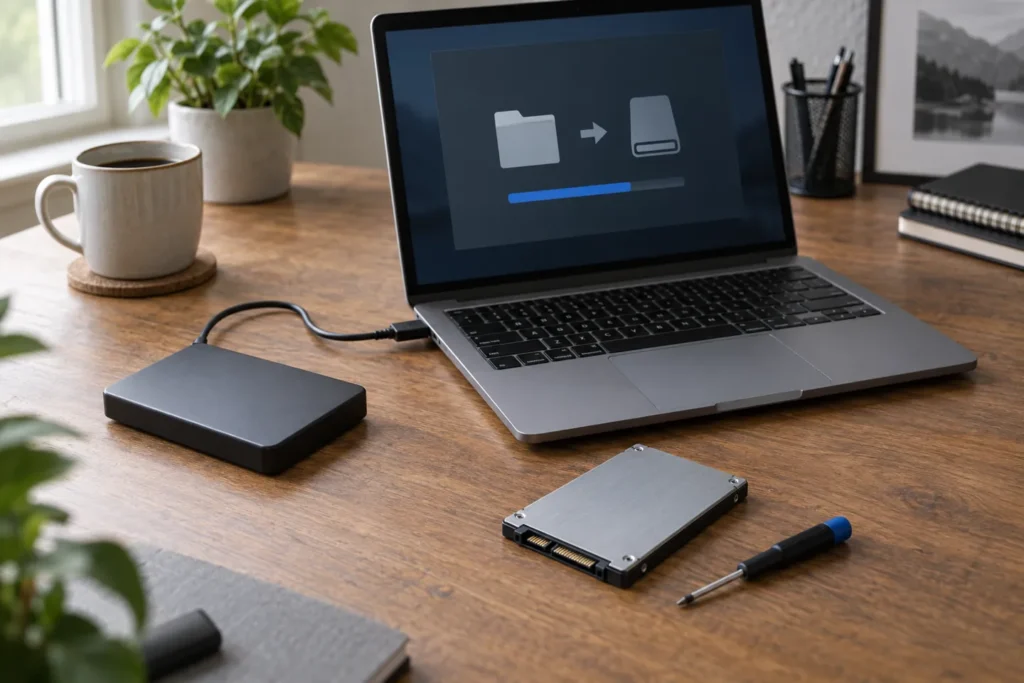
If you’re searching for hard drive repair near me, pause before you run repair tools or keep copying files. A failing drive can behave for an hour and then lose folders you still needed. The first job is often recovery or a clone, not a quick format and Windows reinstall.
Find local help through the computer repairs directory, and lead with data questions before you discuss a replacement disk. Pair this with data recovery basics and data recovery privacy in Australia.
Signs the drive is failing
- Clicking, grinding or repeated spin-up noise (classic hard drive)
- Files freeze, corrupt or vanish when opened
- The drive appears and disappears in Windows or macOS
- Very slow boot or folder opens that never finish
- SMART warnings, repeated disk errors or “please format” prompts
- SSD suddenly unreadable with no sound (still serious)
External USB drives and portable SSDs follow the same rules. One good cable test is enough. After that, repeated power cycling adds risk. If it’s clicking, don’t keep powering it just to hear the click again for a friend on the phone.
Repair vs recovery vs replace
These are different jobs, and shops shouldn’t blur them on the quote:
- Recovery: get files off first, often via clone or imaging.
- Repair: rare on modern consumer drives; usually means electronics board work or clean-room head work, not a five-minute fix.
- Replace: new SSD or HDD once data is safe or written off.
So if photos and tax files matter more than a working laptop today, say “recovery first” at the counter. A cheap OS reinstall that overwrites the partition table is the opposite of what you want. If the drive is already backed up and you only need the machine usable again, a straight replace is often the honest path.
But don’t assume every suburb shop runs a clean room. Many will clone what they can, then refer physically failed platters to a specialist lab. That’s normal. Ask who does the lab work and whether your drive leaves the premises.
What to stop doing right now
- Don’t run random “disk repair” or undelete tools you found in a forum thread.
- Don’t reinstall Windows over the failing volume.
- Don’t keep copying large folders if the drive is already stuttering; every retry stresses weak sectors.
- Don’t freeze the drive, hit it, or open the case at home.
- Don’t leave it powered in a hot car while you “think about it”.
If the PC still boots from another disk or a USB stick, that can help a tech image the patient drive without booting from it. Tell them what you’ve already tried so they don’t repeat a destructive scan.
What to ask a local repairer
- Do you clone or image before any repair attempt?
- Is success guaranteed, or is this best-effort?
- What happens to temporary copies after the job?
- Can I keep the old drive once data is off?
- Is the diagnostic fee separate from recovery labour?
Privacy and retention questions matter as much as price. Use the checklist in our privacy guide before you hand over family photos or client files. For ballpark cost bands (estimates only), see computer repair cost Australia. Lab recovery sits at the high end for a reason.
SSD failures look different but hurt the same
SSDs don’t click. They vanish, drop to read-only, or corrupt quietly. Firmware bugs and worn NAND can still strand data. The stop-using rule still applies. Don’t keep writing to a dying SSD “to free space”. Wear and controller faults don’t respond to defragmentation myths from the hard-drive era.
Ask the shop whether they will attempt a firmware-level image or only a logical copy. Firmware tools sit with specialists. Suburb benches still help by confirming the controller is dead and by quoting a replacement SSD once you accept the data outcome.
Related reading: SSD upgrade computer repair once recovery is finished or written off.
Frequently Asked Questions
Can a clicking hard drive be repaired cheaply?
Usually not. Clicking often means mechanical failure. Budget for recovery or acceptance of loss, not a $50 “repair”.
Should I try Disk Utility or chkdsk first?
If the files matter, ask a recovery-aware shop first. Those tools can help healthy disks and harm failing ones.
Is an external enclosure safer than the internal bay?
Moving a patient drive to a USB dock can help imaging, but repeated reconnects still stress it. One careful connection under instruction is better than five DIY attempts.
Where do I find hard drive help near me?
Start with suburb listings in locations, then ask about recovery experience before you leave the drive on the bench.
Sources: See also www.cyber.gov.au for baseline Australian guidance.
When you are ready to shortlist a shop, open live profiles such as Your PC Matters Melbourne, IT Support Services Sydney, Geek Sydney. Compare suburb hubs for Melbourne computer repairs and East Melbourne computer repairs — each page lists stored phones, hours and ratings where we have them, with no invented prices.
By Computer Repairs Near Me Team. Last updated July 2026. About · Find repairers
Looking for local businesses?
Browse verified listings across Australia with current hours, reviews and contact details.
Related guides


Need a local listing?
Browse verified businesses in our directory or read more guides on the blog.
Find repairers All guides