Mail-In Laptop Repair Australia: When Posting the Machine Makes Sense
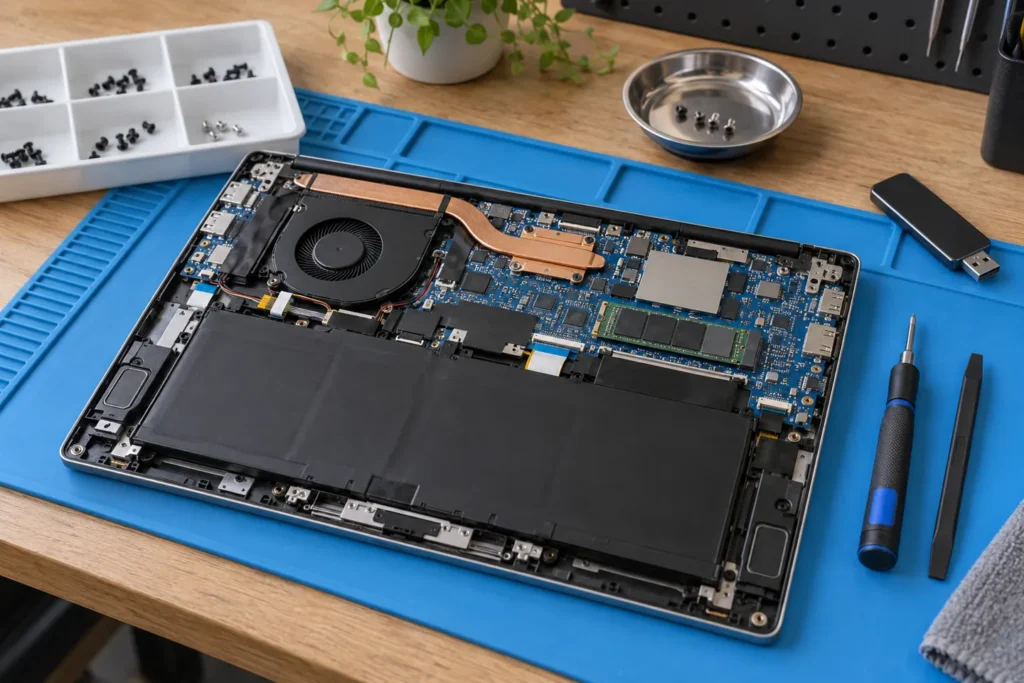
Mail-in repair can make sense when a suitable specialist is not accessible locally and the likely benefit justifies freight, time and transit risk. Confirm the model, fault and service scope before buying a label. A mailing address or a fast-turnaround slogan does not establish repair capability.
Confirm why this workshop is the right destination
Ask whether the business handles your exact model and fault, whether it performs the work itself and where the device will be stored. A local workshop that refers specialist board work can also be useful, provided you know who receives the machine and who is responsible for communication.
Compare a mail-in quote with a local assessment when practical. Hardware, account recovery and a browser scam warning are different problems. Do not send a laptop because an unsolicited caller or pop-up claims it is infected.
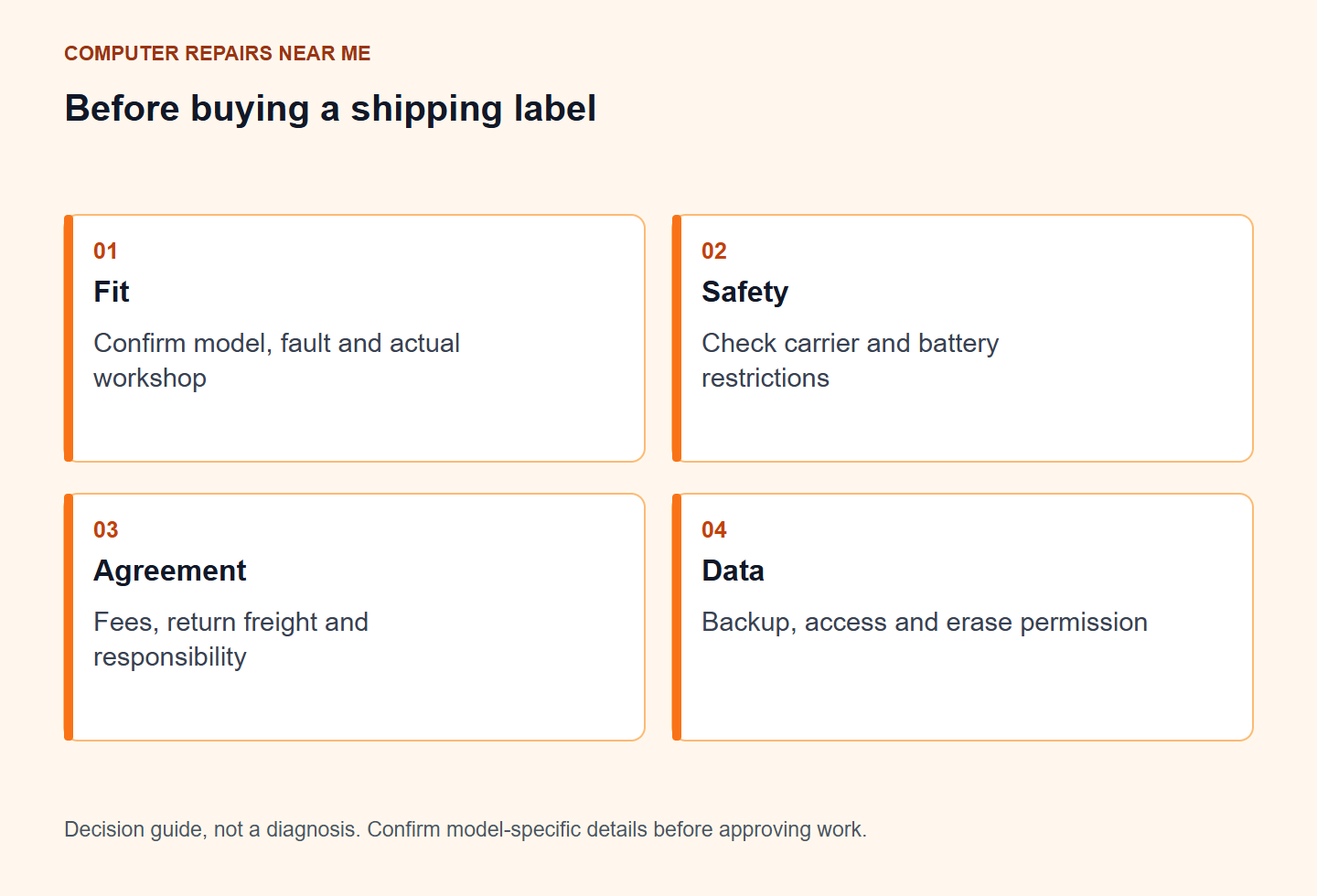
Resolve battery and carrier restrictions first
Tell the repairer and carrier about physical damage, liquid exposure and suspected battery swelling before arranging transport. Do not assume a workshop can authorise an ordinary postal shipment. Australia Post prohibits damaged lithium batteries and restricts other lithium-battery shipments.
Use the manufacturer’s or an appropriate dangerous-goods provider’s instructions where special handling is needed. Do not put an unsafe device in ordinary mail or luggage while waiting for advice. A routine tracked parcel label does not resolve those restrictions.
Agree the complete cost and custody chain
Scroll sideways if needed to read all columns.
| Before dispatch | Record in writing |
|---|---|
| Assessment | Fee, authorisation limit and what happens if you decline |
| Parts | Proposed grade, deposit and approval before substitution |
| Freight | Outbound and return charges, packing and transit responsibility |
| Timing | Arrival, assessment, parts ordering, testing and return dispatch |
| Unsuccessful repair | Charges, return of the original device and any removed parts |
Prepare files and access without an automatic wipe
Back up and verify important files if the laptop is safe and stable. If it will not boot, identify the priority files and ask for data assessment before a reset or storage replacement. Do not accept “assume it will be wiped” as a substitute for informed permission.
Keep recovery keys separately. Agree whether a temporary account or supervised unlock can support testing, and how credentials and temporary images will be handled. Employer-owned devices need the organisation’s approval. See the handover checklist.
Pack, document and check the return
Once the device is accepted for the chosen carrier, follow its packaging instructions. Photograph the condition and packed parcel, record the serial privately and list included accessories. Keep tracking and the job reference. Insurance or compensation limits should be checked before sending, not assumed from the tracking service.
On return, check the stated repair promptly and keep the invoice and warranty terms. Australian consumer guarantees remain relevant to paid repair; ACCC remedy guidance explains the distinction between minor and major service problems. Browse local alternatives if the mail-in scope is unclear.
By Computer Repairs Near Me Team. Reviewed 2 November 2026. About our directory.
Find a repairer for this job
Check local repairers and ask whether they handle your device and fault.