
Mobile Computer Repair Near Me: On-Site vs Workshop (2026)
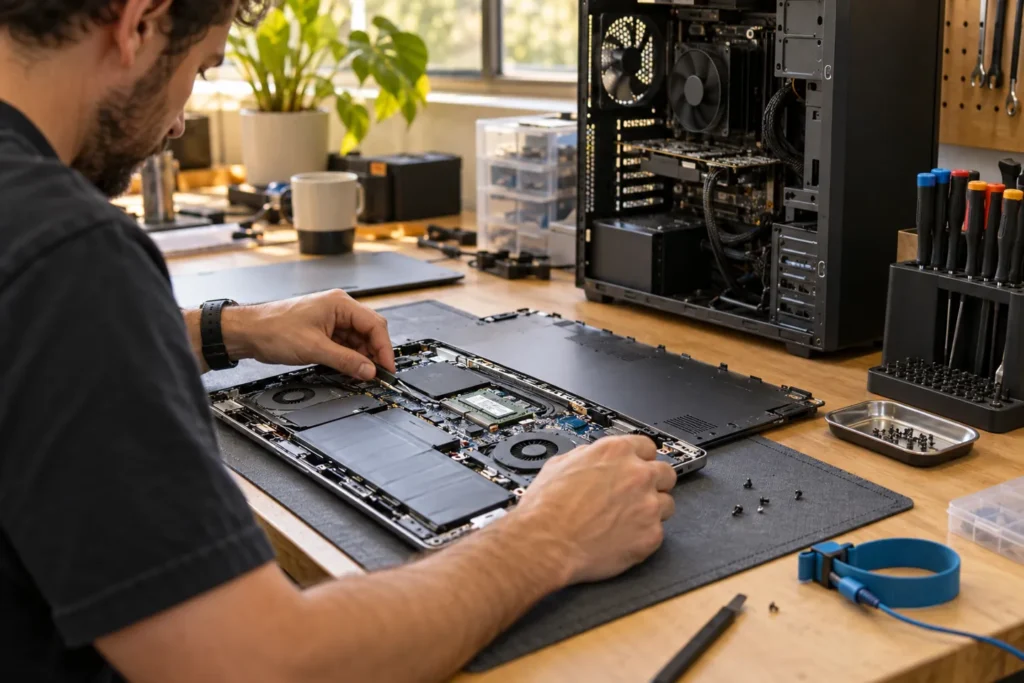
Mobile computer repair near me means a technician comes to your home or office instead of you visiting a shop. That suits setup problems tied to your environment, but it isn’t always the cheapest or best option for parts-heavy hardware work.
Browse local repair listings and look for mobile, on-site or home-service signals, then match the business to the fault using the guide below.
When mobile repair is the right call
Book on-site support when the problem depends on your location or cabling:
- Home or office Wi-Fi dead zones and mesh setup
- Printer, scanner or multifunction device setup
- Modem, NBN box and router handover after an ISP change
- Small-business laptop fleets and docking stations
- Network shares, VPN or remote-desktop access at one site
Mobile technicians also help elderly or mobility-limited users who can’t transport a PC, and they can handle software cleanup, email migration and Microsoft 365 setup when the machine boots and connects online. That’s often faster than packing a desktop, monitor and printer into a car.
So if the fault only appears with your dock in a home office in Footscray or your upstairs Wi-Fi in Toowong, say that on the booking call. Environment matters more than brand slogans.
When you should use a workshop instead
Cracked laptop screens, swollen batteries, hinge damage, desktop power supplies, GPUs, motherboards, liquid damage that needs board inspection, clicking hard drives and overnight bench testing usually belong in a workshop. Mobile techs can diagnose many of those on-site, but they still need a bench and parts stock for the fix.
Some mobile businesses collect devices and return them after workshop repair. Ask whether the job stays on-site or goes back to a bench, who transports it, and whether that trip is included in the callout. Don’t assume “mobile” means every screw turns on your kitchen table.
If you’re unsure, describe the symptom and ask which mode they’d choose. A straight answer beats a sales pitch. Compare modes in computer shop near me vs mobile repair.
Callout fees and what to confirm before booking
Mobile repair quotes commonly include travel time. Before booking, ask whether there’s a callout or minimum visit fee, whether the first hour includes diagnosis, what happens if parts are needed, whether after-hours or weekend work costs more, and whether they carry common parts or order them later.
A higher hourly rate can still be good value if one visit fixes a problem that would otherwise need multiple shop trips with your printer and router. Soft first-visit totals in Australian metros often land around $120–$250 before parts, depending on city and urgency. Regional callouts climb with distance.
But a cheap callout that excludes diagnosis isn’t a bargain. Get the inclusions in writing or in a confirmation text before the tech leaves the depot.
Prepare for the visit so the hour isn’t wasted
Write down passwords you’re willing to share, or plan to enter them yourself. Clear desk space near the PC, printer and modem. List every device affected: laptop, dock, monitor, phone. Note when the fault started and any error messages. Back up important files if the machine still starts.
For business visits, confirm who approves spend and whether the technician needs induction, parking access or a visitor pass. If kids or pets will interrupt testing, say so. Tiny logistics details eat callout time faster than software bugs.
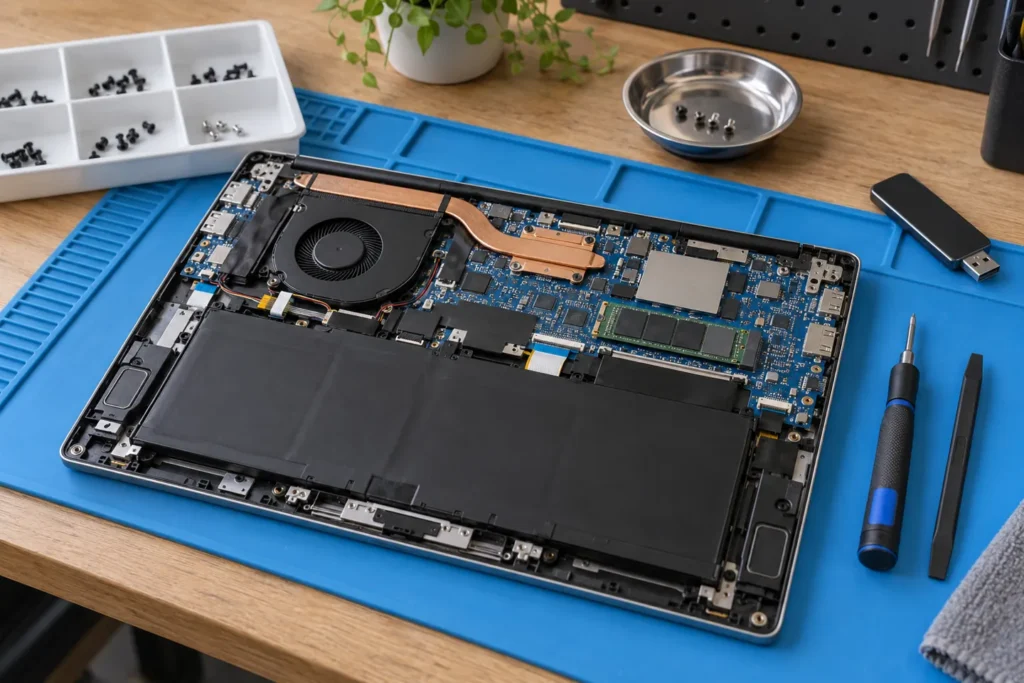
If the drive clicks, stop using it and read data recovery basics before anyone runs repair tools on-site.
Mobile vs remote vs shop in one decision pass
Remote support is usually cheapest for pure software tasks when the PC is online. Mobile suits physical setup you can’t reproduce elsewhere. Workshops suit hardware that needs spare parts and overnight testing. Many households use all three across a year: remote for Outlook, mobile for the printer, workshop for a cracked screen.
National call-out brands and independent local techs both operate in most capital cities. Compare quotes, warranty language and whether the person who visits is an employee or contractor. More on that trade-off in local computer repair vs Geeks2U.
Don’t book the first available slot if the fault is parts-heavy. Availability isn’t the same as fit.
Frequently Asked Questions
How much does mobile computer repair cost in Australia?
Callout plus labour commonly lands between about $120 and $250 for the first visit, depending on city and urgency, before parts. Ask for a clear quote before confirming.
Do mobile repairers fix laptops on-site?
Some replace batteries or SSDs on-site for common models. Screens and board-level work usually need a workshop.
Is mobile repair safe for business data?
Ask how credentials are handled, whether work is logged, and whether the technician is an employee or contractor. For sensitive data, prefer businesses with clear privacy terms.
Where can I find mobile computer repair near me?
Use the location directory and filter for mobile or on-site service signals, then confirm coverage for your suburb when you call.
Can mobile technicians recover my files?
They can clone a stable drive on-site. If the drive clicks, stop using it and ask about specialist recovery before anyone runs repair tools.
When you are ready to shortlist a shop, open live profiles such as Your PC Matters Melbourne, IT Support Services Sydney, Geek Sydney. Compare suburb hubs for East Melbourne computer repairs and Sydney computer repairs — each page lists stored phones, hours and ratings where we have them, with no invented prices.
By Computer Repairs Near Me Team. Last updated June 2026. About · Find repairers
Sources: See also www.cyber.gov.au for baseline Australian guidance.
Looking for local businesses?
Browse verified listings across Australia with current hours, reviews and contact details.
Related guides


Need a local listing?
Browse verified businesses in our directory or read more guides on the blog.
Find repairers All guides