The Computer Repair Industry in Australia: Shop, Mobile and Mail-In
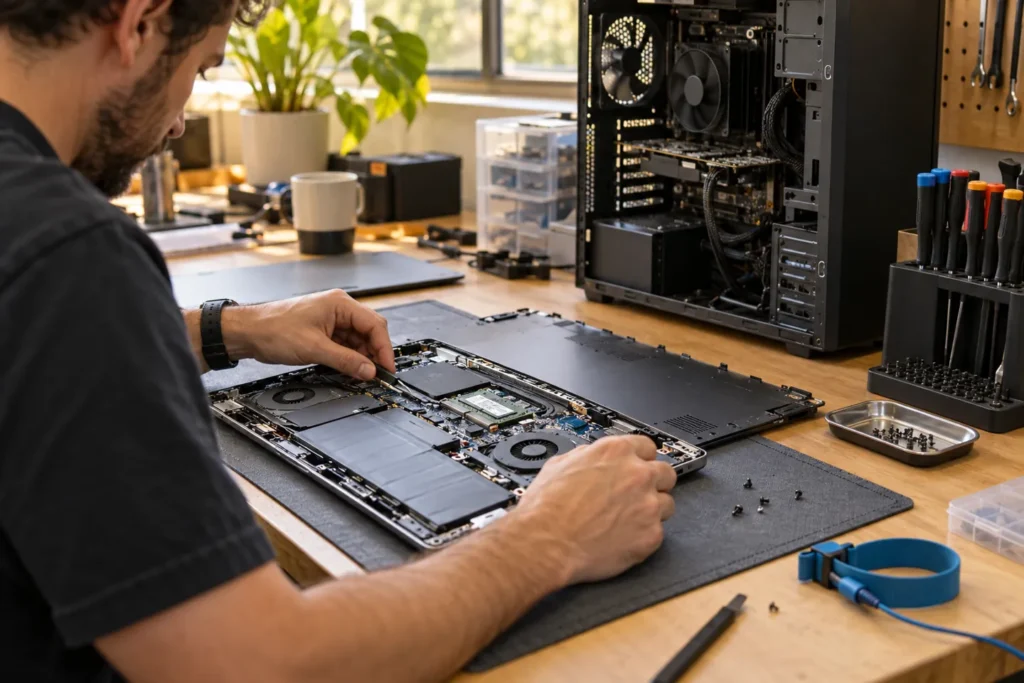
Computer repair in Australia is offered through workshops, on-site support, remote services and mail-in specialists. These are different delivery modes, not a ranking of quality. Start with the fault and compare what each provider actually includes.
Browse providers by suburb in our directory. Not sure whether you need a shop, remote help or an onsite tech? Start with the free computer repair triage tool. For a matched comparison of national and local offers, see local computer repair vs Geeks2U. Quote comparison: computer repair cost Australia.
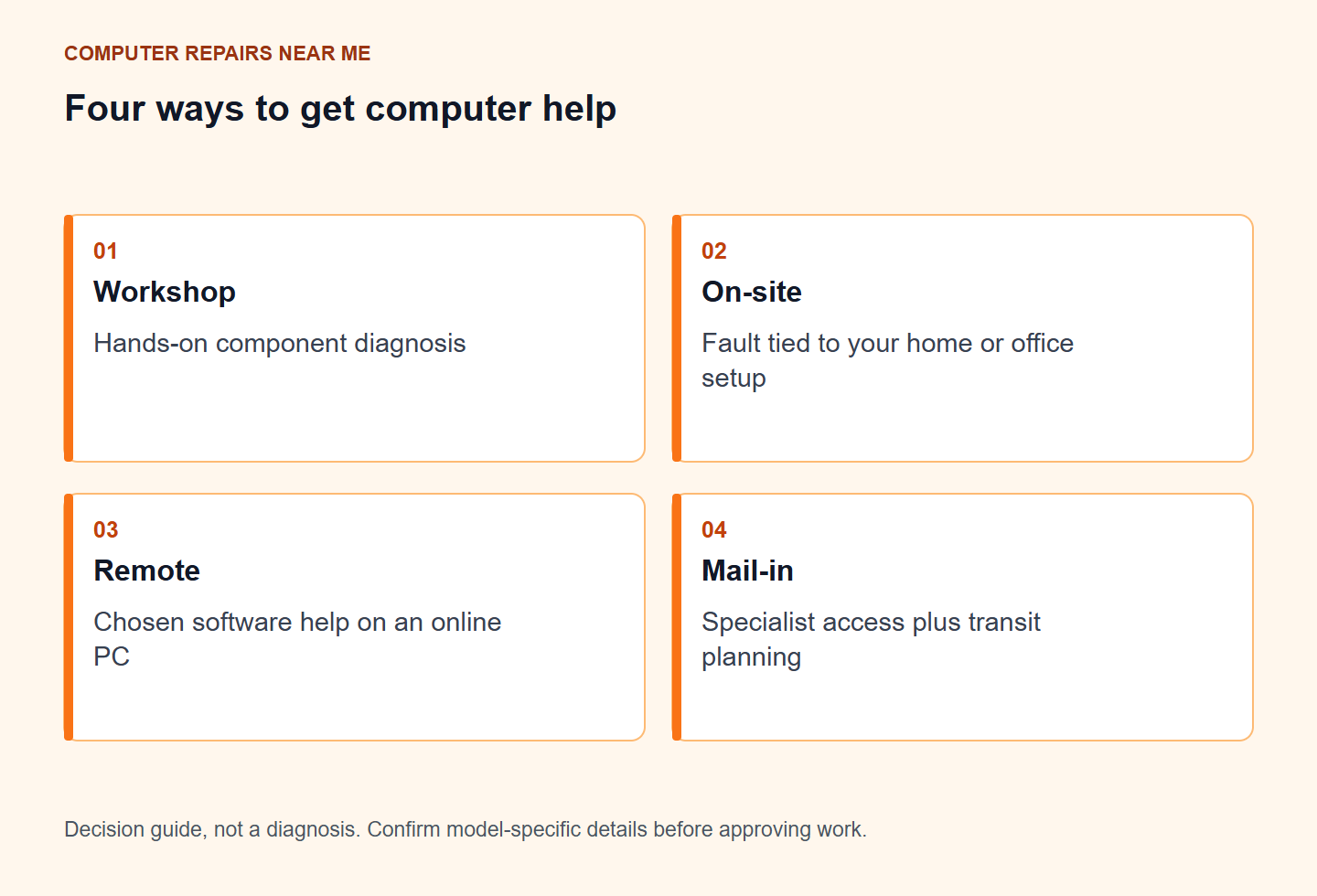
The main service modes
Scroll sideways if needed to read all columns.
| Mode | How it works | Strengths | Trade-offs |
|---|---|---|---|
| Shop / workshop | Drop-off bench repair | Ask about parts, tools and testing for your fault | You travel; turnaround depends on queue |
| Mobile / on-site | Tech comes to home or office | Can assess equipment in its usual setup | Call-out fees; limited tools for deep board work |
| Mail-in / courier | Ship to specialist | Access to board-level or brand specialists | Packing, transit responsibility and return postage |
| Remote | Screen-share software fix | May suit software work on an accessible, connected device | Can’t fix hardware; security hygiene required |
A business may offer more than one service mode. Confirm where your assessment and repair would happen, who keeps the device and whether a second visit or transfer costs extra. See the on-site guide and remote-support checklist for those arrangements.
A remote software task and a fitted display replacement buy different outcomes. Compare two offers for the same fault and service scope before judging their totals.
Who operates in the market
- Independent workshops: confirm the work performed on site, model experience and follow-up arrangements.
- Mobile and on-site providers: confirm travel, minimum billing and any workshop transfer.
- Brand-authorised providers: useful when OEM parts and remaining manufacturer entitlements matter.
- Mail-in providers: confirm specialist capability, safe carriage and responsibility for the device.
Check the manufacturer or seller first if the fault may be covered. For privately paid work, compare the proposed method, model experience and warranty rather than choosing from the provider label alone.
Why prices vary between modes
Different service arrangements can include different charges. Ask about travel, postage, assessment, parts and any return visit. The cost guide shows how to compare a complete quote for the same outcome.
If two quotes diverge wildly, ask what’s included: parts grade, data backup, labour warranty, and whether diagnosis is credited. Fee language: no fix no fee explained.
How to choose a mode for your fault
- Software-only symptoms with a working PC: remote or shop.
- Screen, battery, SSD, fan: shop.
- Office machine that can’t leave the desk: mobile, then shop if parts are needed.
- Missing files or a damaged drive: ask a recovery provider before more troubleshooting.
- Warranty-sensitive brand repair: confirm authorised path before third-party teardown.
Use the triage tool to organise the enquiry, then confirm the service and appointment directly with a provider from the directory.
Write the fault in one sentence before you call. “Laptop shuts down after ten minutes of Zoom on charger” routes differently from “no power lights at all”. Clear intake saves mode mismatches.
How our directory fits the industry
We list contact options; we do not repair machines or certify every capability. Our methodology distinguishes recorded details from checked facts and unknowns. The rights guide explains repair paperwork.
Use a listing to contact a business, then confirm its suitability with the device model and fault description.
Frequently Asked Questions
Is the industry shrinking because of cheap new laptops?
This guide does not measure industry size or replacement rates. For your own device, compare the repair outcome, remaining usefulness and full replacement cost.
Are national brands always more expensive?
Brand size does not establish price. Compare the total charge, service scope and what happens if the first visit does not resolve the fault.
Can one shop cover every brand?
A general listing does not establish support for every model. Ask the provider about the exact device, parts and diagnostic work before attending.
Where should I start today?
Identify the fault category, pick a mode, then shortlist via locations.
By Computer Repairs Near Me Team. Reviewed 2 November 2026. About · Find repairers
Find a repairer for this job
Check local repairers and ask whether they handle your device and fault.